Simple to insane, one click
The same image, taken from a colour grade to something unrecognisable — and every step in between reached the same way: one click.
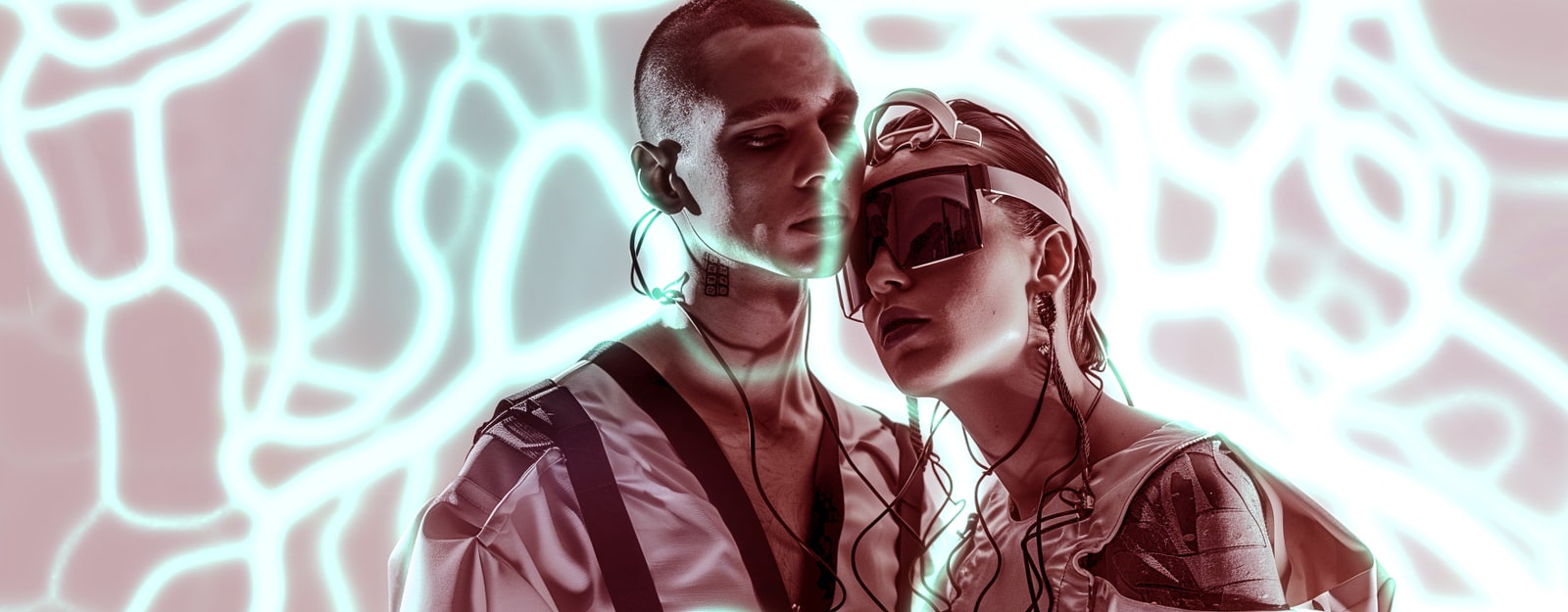
Most image tools have a house style. You can tell what made a picture, because the thing that made it only really does one thing. V3KTR's problem is the opposite: the honest answer to "what does it look like?" is anything from a grade you'd ship to a client, to something nobody would recognise as a picture of anything.
So here is the whole range on one set of images. Every picture below came out of the same app, in one click, off the same three source images. Nothing was retouched afterwards, nothing was composited, and none of it is a preset stamped on top.
A note on the source images
The three images are AI-generated. A fashion editorial that never happened, made deliberately so there was something consistent and high-contrast to push around — the same two figures, the same styling, three frames.
Everything after that is V3KTR. Every effect on this page is a real algorithm running live on your GPU, working on the depth map V3KTR reads out of the image. The base is synthetic. The processing is not, and it is the part this page is about.
One: a grade, and nothing else
At the bottom of the range V3KTR is a colour tool, and a fairly restrained one.
Error Dither lays a fine monochrome grain across the frame, Depth DOF throws the background out of focus using the depth read from the image rather than a blurred rectangle, and Scanlines sit over the top. Three effects, and what comes back is a black-and-white editorial still — the kind of pass you would do before sending a set to a client, and it would not occur to anyone that a glitch app did it.
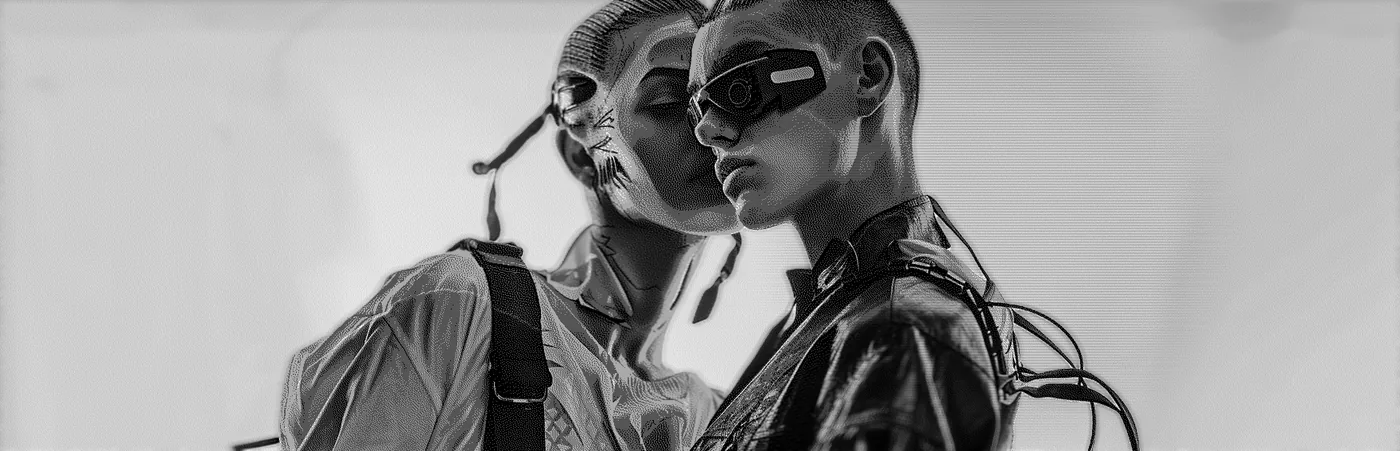
Push a little harder and it is still unmistakably two people in a studio. Exposure lifts the whole thing to high key, Braille rewrites one face as a field of dots, and Transform sets the crop. The treatment is visible now. The imagey survives it.
Two: still an image, obviously handled
The middle of the range is where most people will actually live. The subject survives; the treatment is the point.
Carriage drags the frame sideways in bands — a hand scanner pulled unevenly down the picture — and it is doing nearly all of the work here. Saturation and Split Tone only set the temperature underneath it, and Bloom lifts the light coming off the jackets.
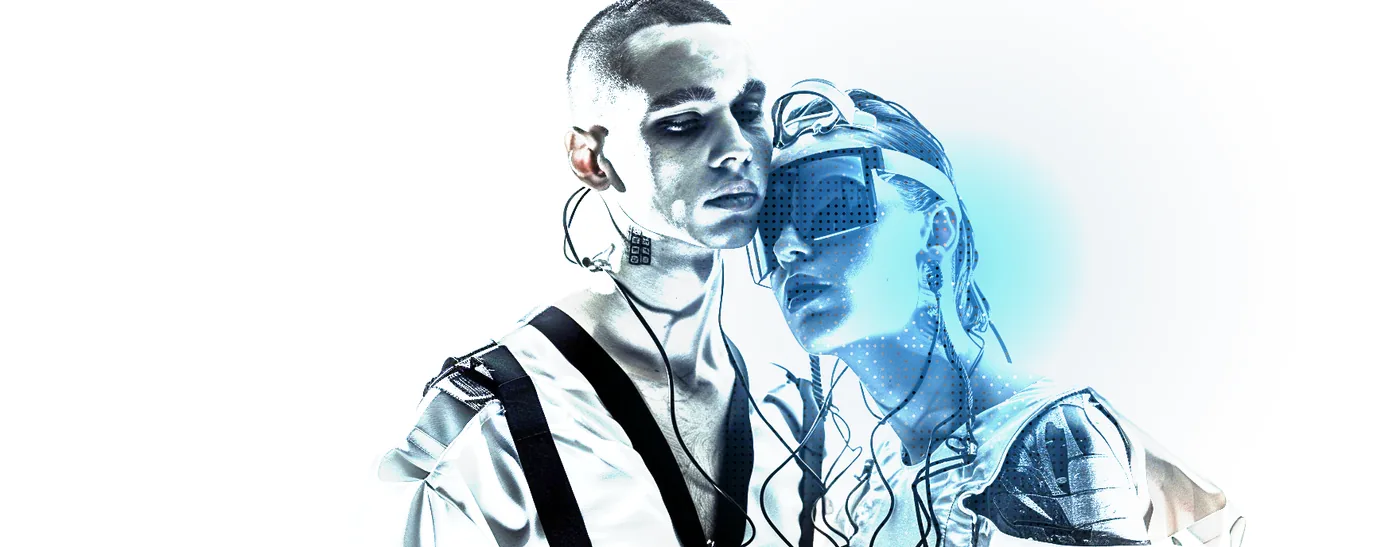
Depth Grade cools the whole frame toward blue while Error Dither breaks the gradients into visible structure — the faces stay completely readable.
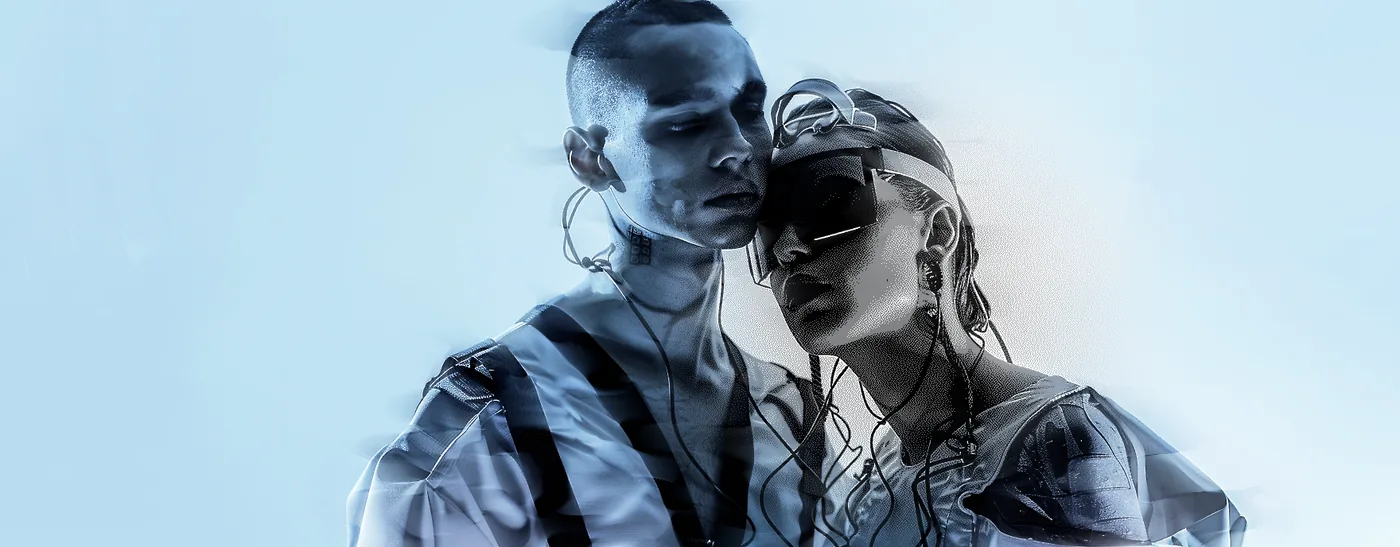
Posterize with Levels underneath collapses the same shot to almost two tones. Everything soft is gone; what is left is a poster.
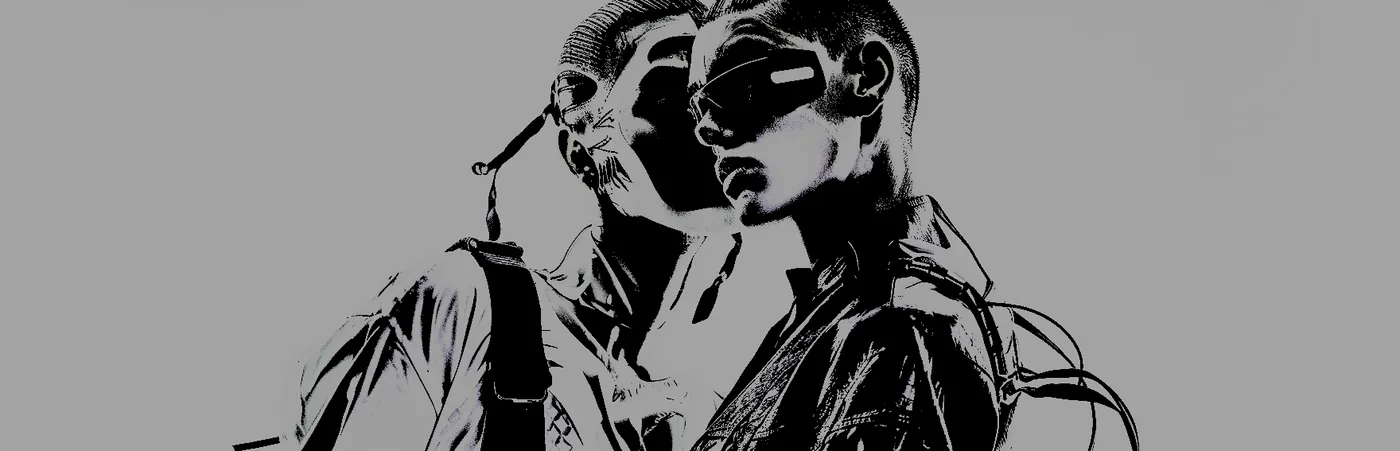
Chromatic Ab. splits the channels so every edge carries a rainbow, and Solarize flips the brightest parts back on themselves. This is the point where it stops looking like a picture that was graded and starts looking like one that was processed.
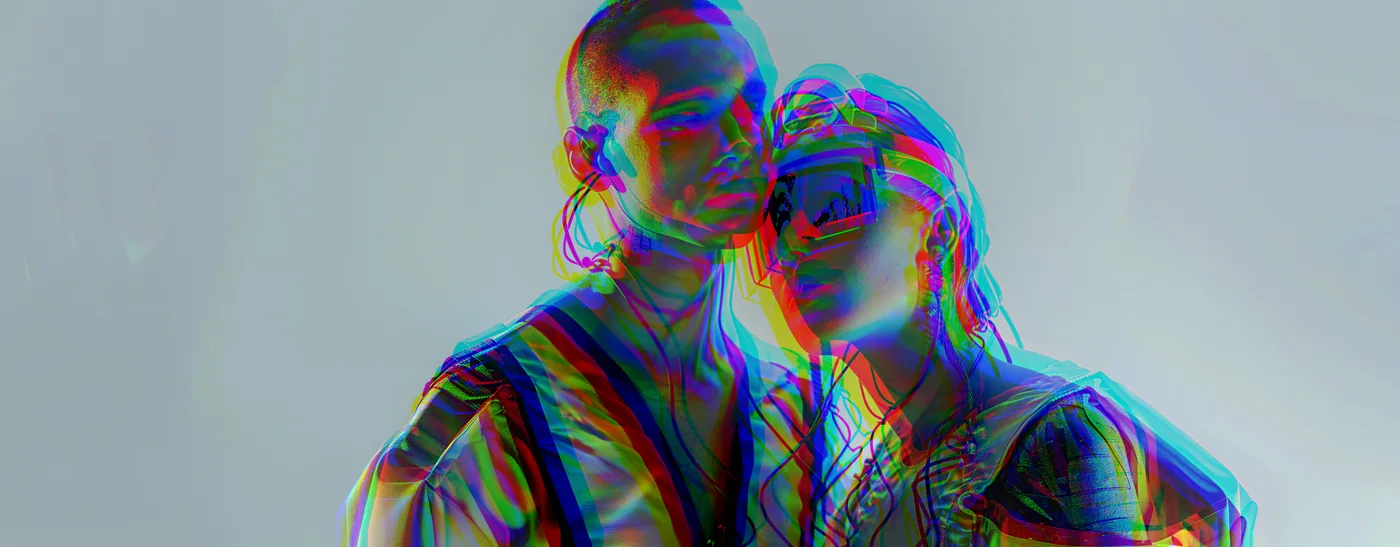
Three: now it is being rebuilt
Further up, the picture stops being a surface to tint and becomes material.
CMYK Halftone rebuilds the image out of dots, Slicer cuts it into offset bands and Edges draws the outlines back in over the top. The couple is still there. Almost nothing of the original pixels is.
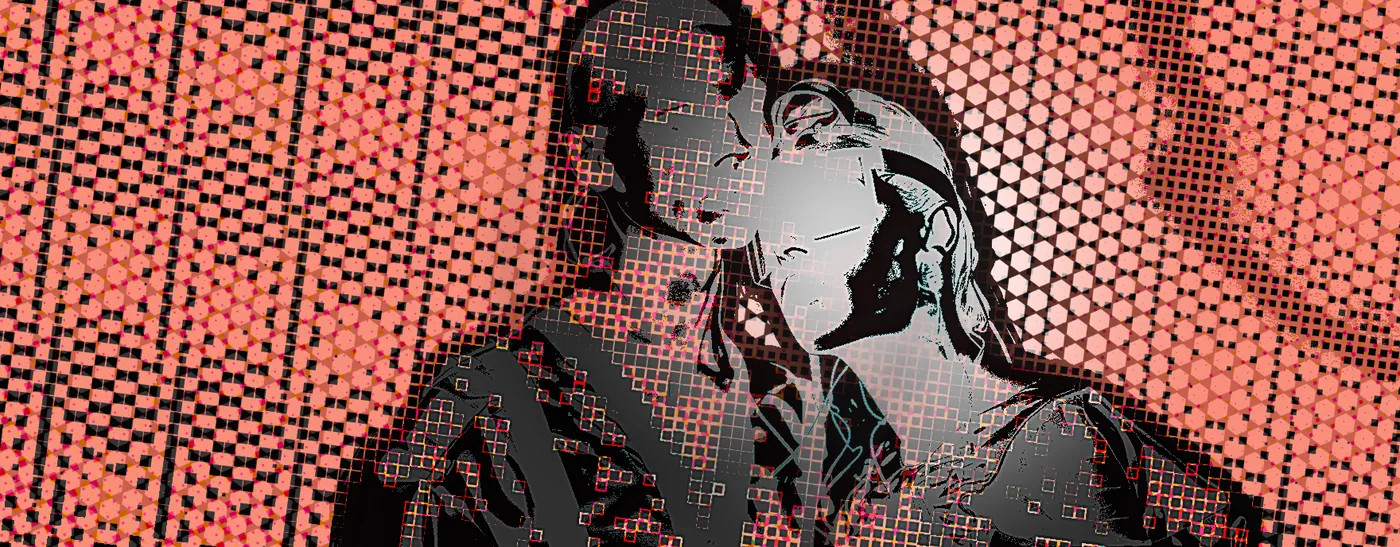
Reskin replaces the surface entirely with a contour material, and Bloom lights it from inside. The pose reads. The skin does not.
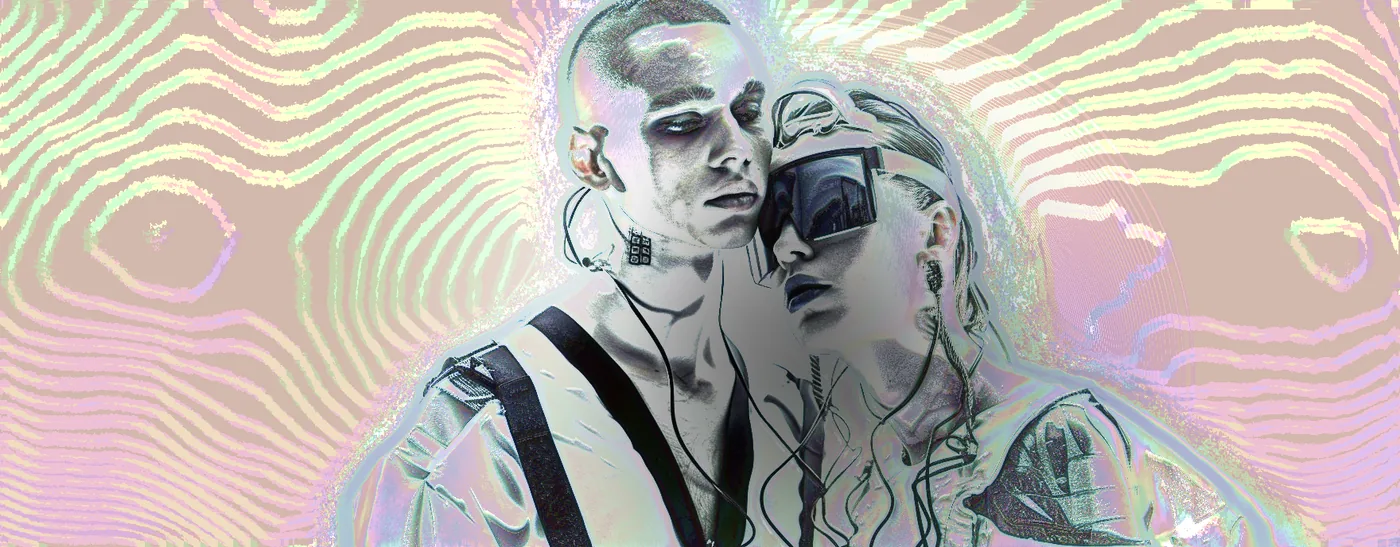
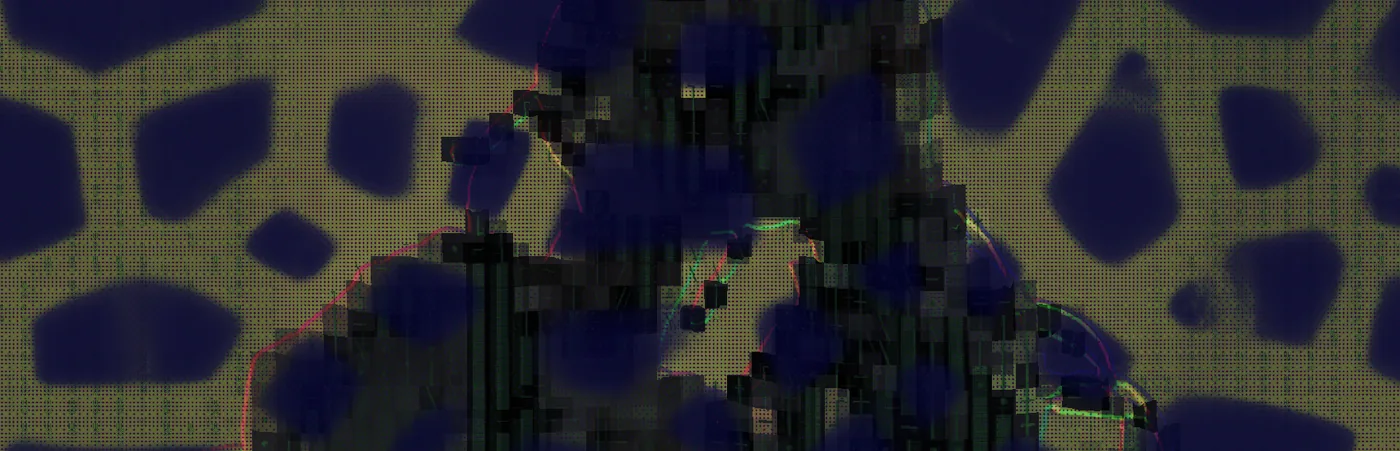
And this is the one at the top of the page: Physarum grows a slime-mould network across the frame, following the image, while Depth Fog pushes the background away behind it. The filaments are not a texture that was laid over the picture — they were grown on it.
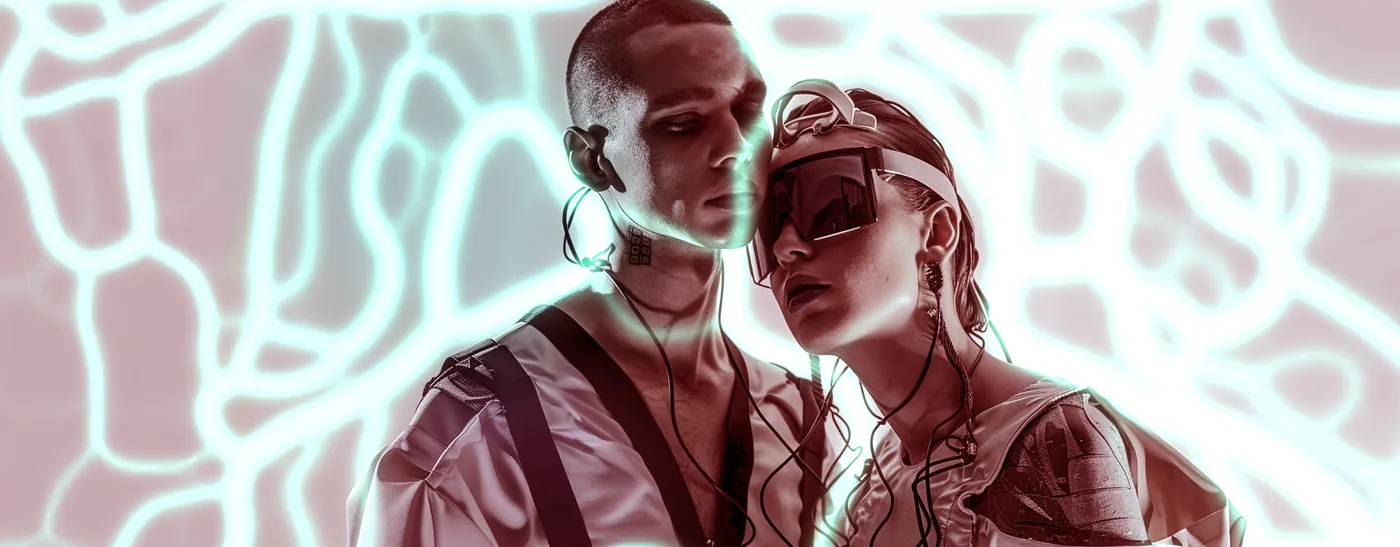
Four: gone
The top of the range is not subtle and is not trying to be.
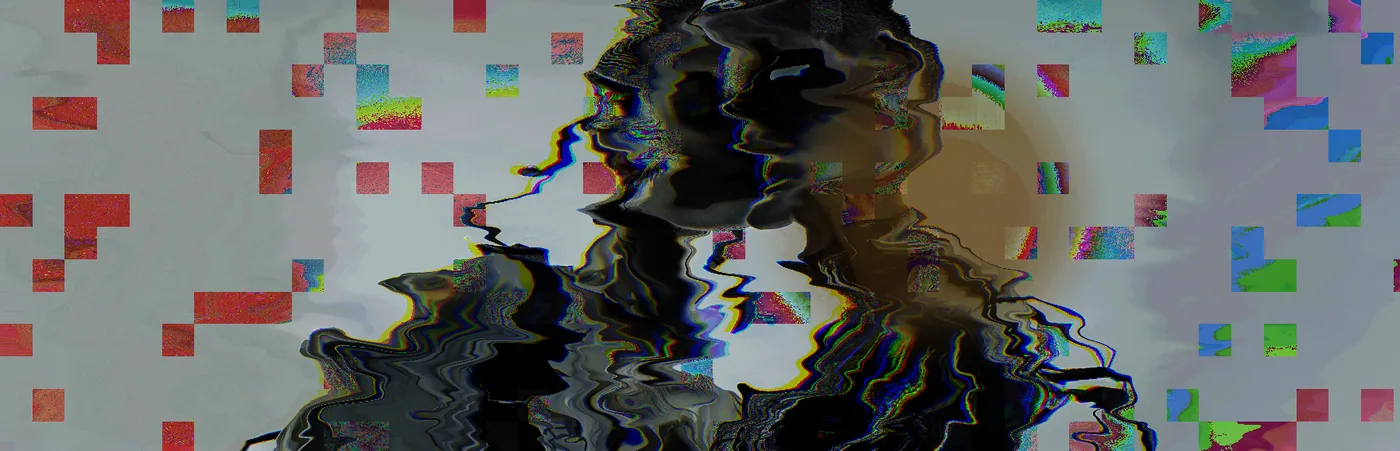
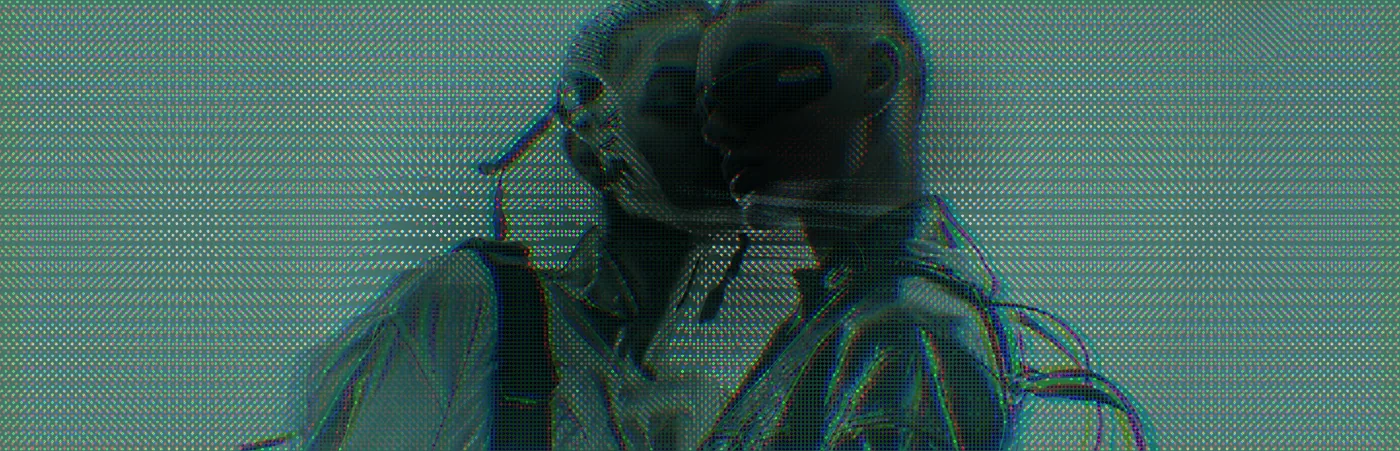
Domain Warp liquefies the whole frame and Invert turns the palette inside out. There are two people in this image. You would not know.
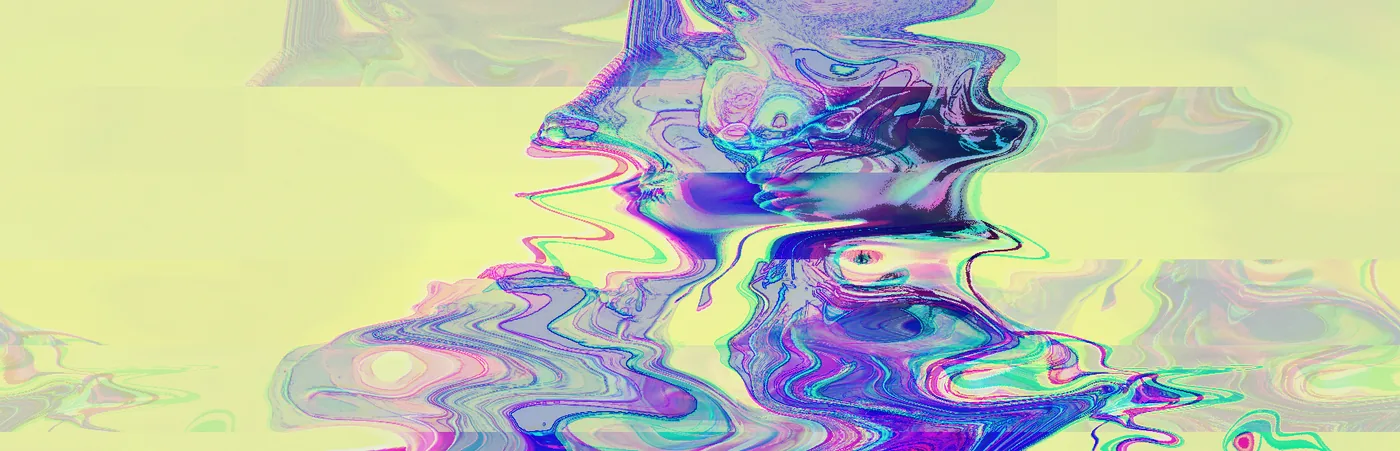
Two passes of Reskin with Glow between them turn the couple into something carved — a relief cut into stone rather than a picture of anybody.
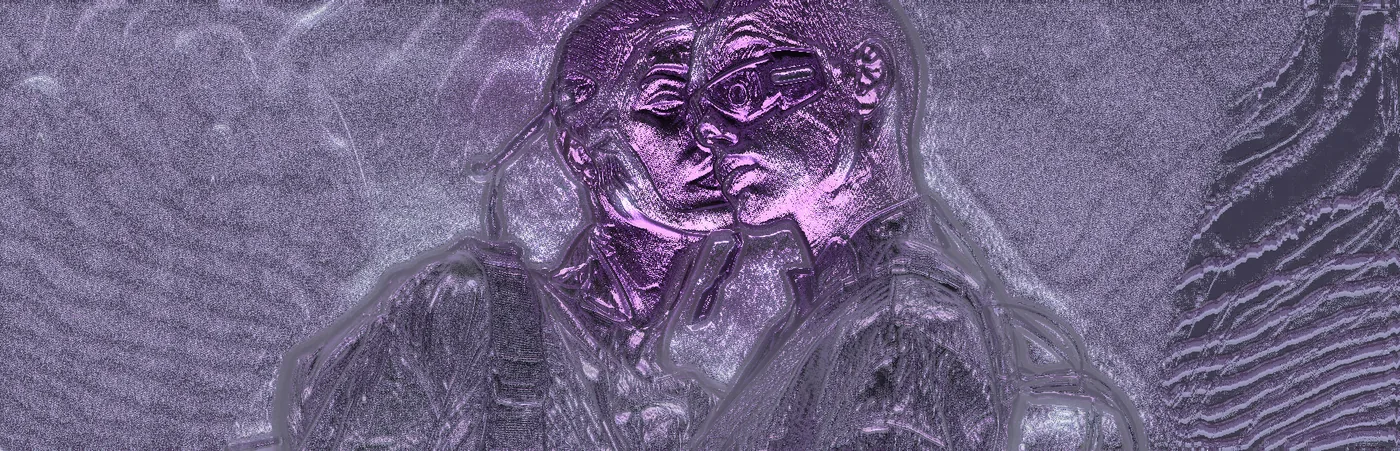
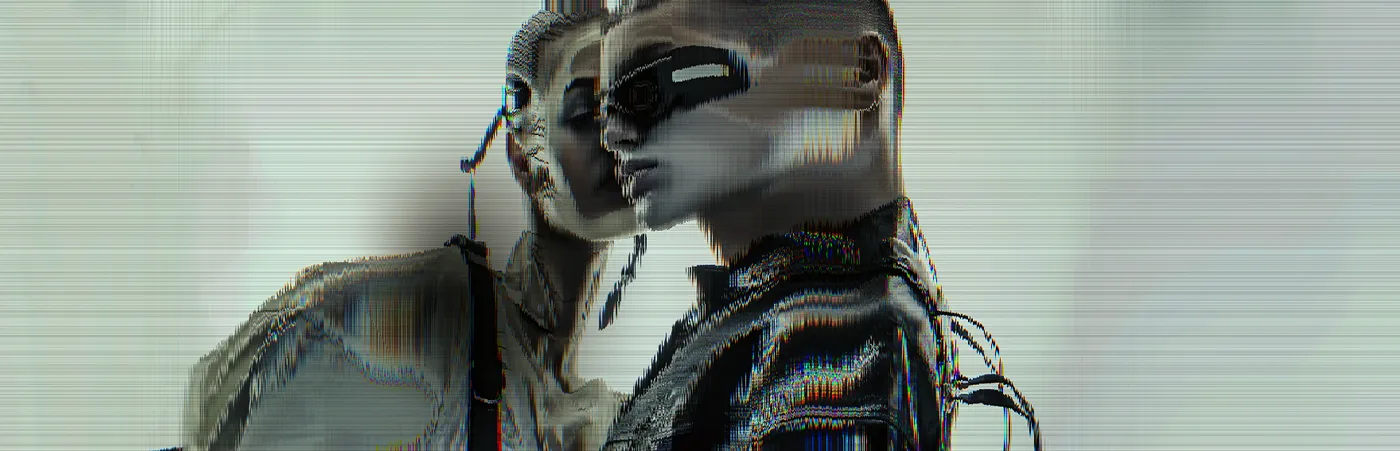
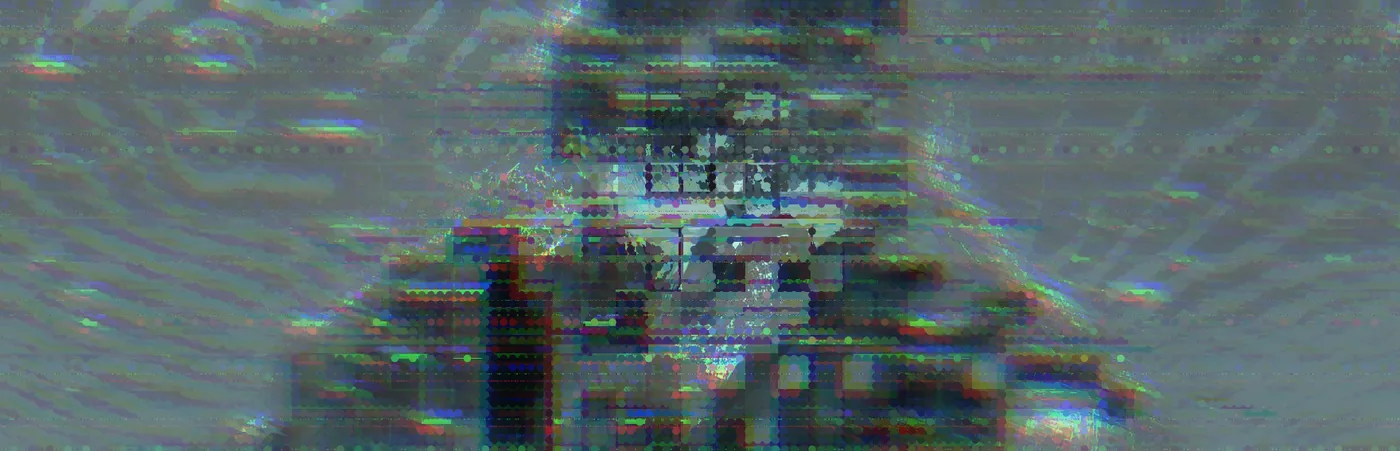
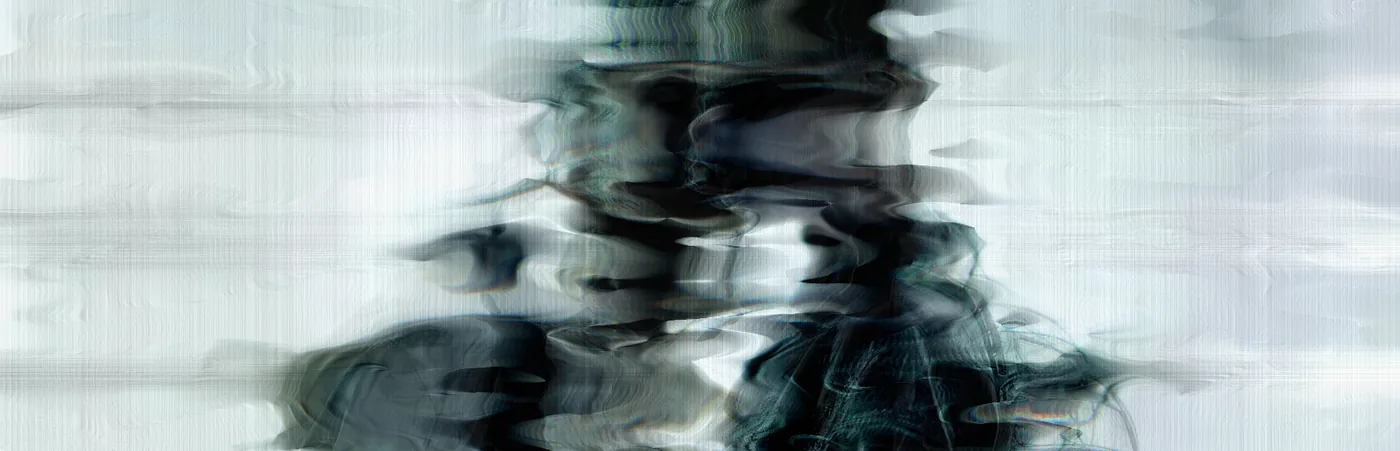
And at the far end: Image as Audio reads the pixels as a waveform and processes them as sound before writing them back, Databend corrupts on macroblock boundaries, and Pixel Stretch drags the wreckage sideways. This is the same image as the grade at the top of this page.
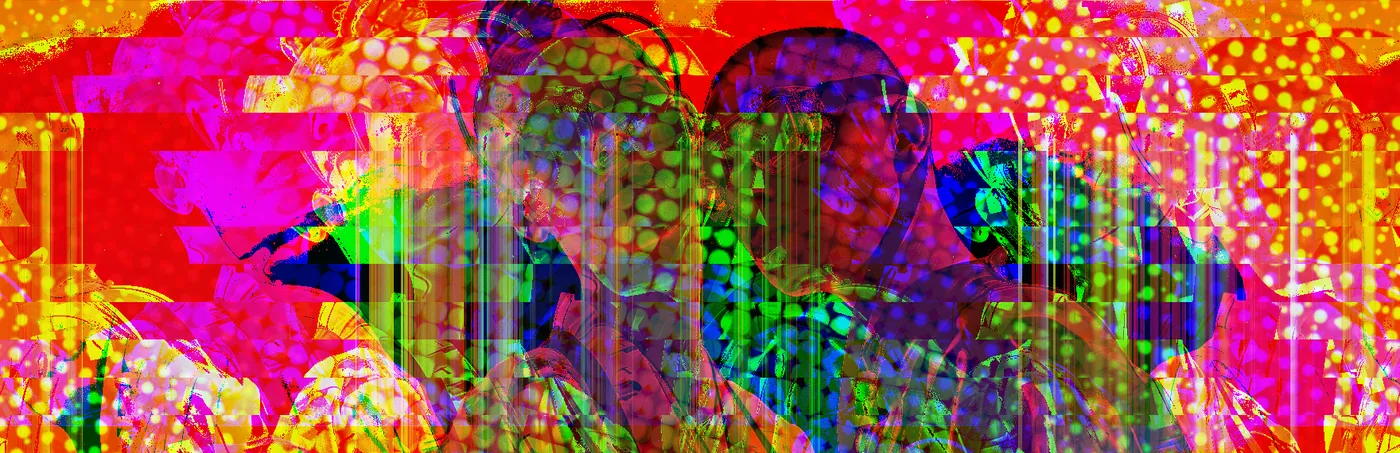
Why one click gets you here
None of these were built by hand. V3KTR rolls a stack — it picks effects, orders them, and sets every parameter — and each image on this page is one roll off one of the three source frames. Roll again and you get somewhere else entirely.
Two things make that work rather than just producing noise:
Everything runs on the depth. V3KTR reads a depth map out of the image, so Depth DOF defocuses what is actually behind, Depth Fog pushes back what is actually far away, and Physarum grows across real surfaces. Effects act in the scene rather than on a flat rectangle, which is why the heavy stacks still hold a sense of a figure long after the pixels have gone.
Effects combine rather than stack up. Reskin twice with Glow between is not the same as Reskin at double strength. Chromatic Ab. under Solarize is a different result from Solarize under Chromatic Ab. Ordering is a real parameter, and the roll explores it.
The range on this page is not a set of modes we built. It is what falls out of combining ninety-one effects that all work on the same depth, and letting the ordering matter.
Every other roll off the same three frames
The eleven pictures above are the ones that make the argument. They are not the only ones. What follows is the rest of what came off these three images in one sitting — sixty-four more rolls, nothing retouched, nothing run twice.
Each caption is the whole stack V3KTR rolled, in order. Some of those effects are shouting and some are barely on. Where a caption names six things and you can only pick out three, the other three are doing quiet work underneath — holding an edge, lifting a shadow, keeping a face readable. That is usually what the difference between a good roll and a mess turns out to be.
Frame one
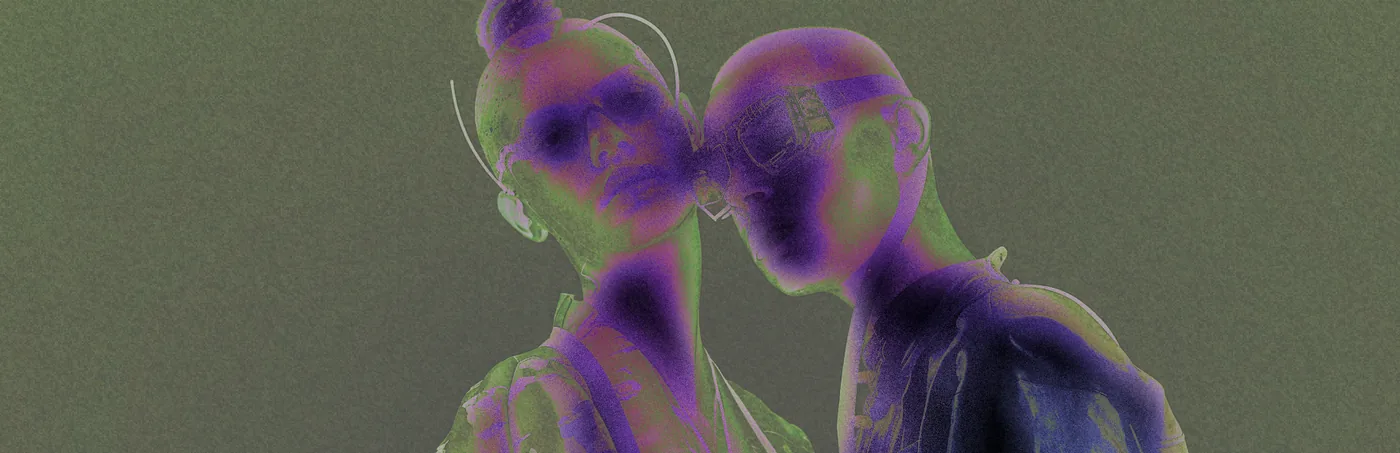
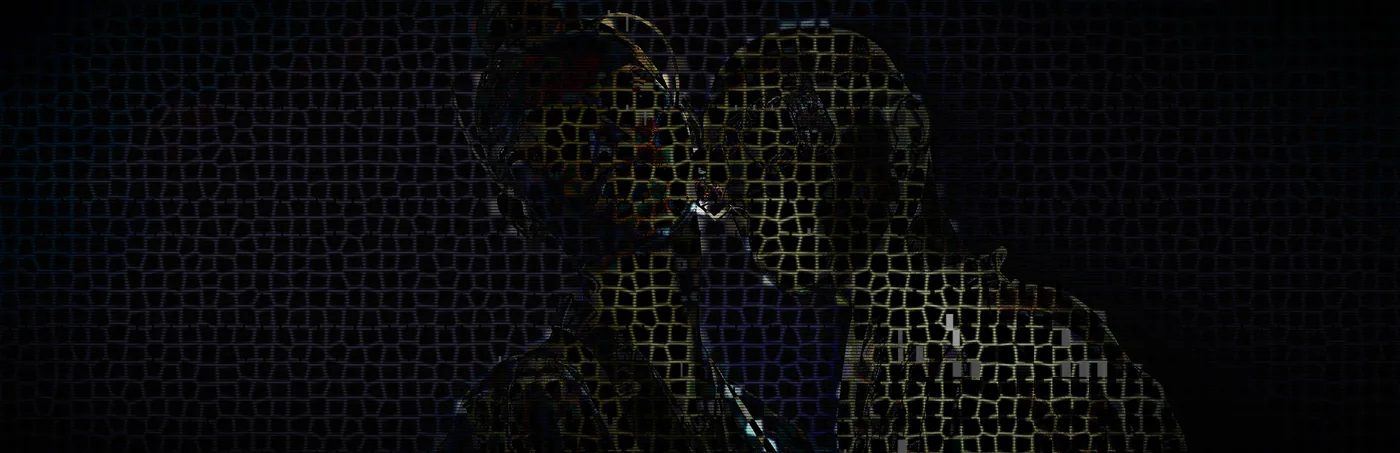
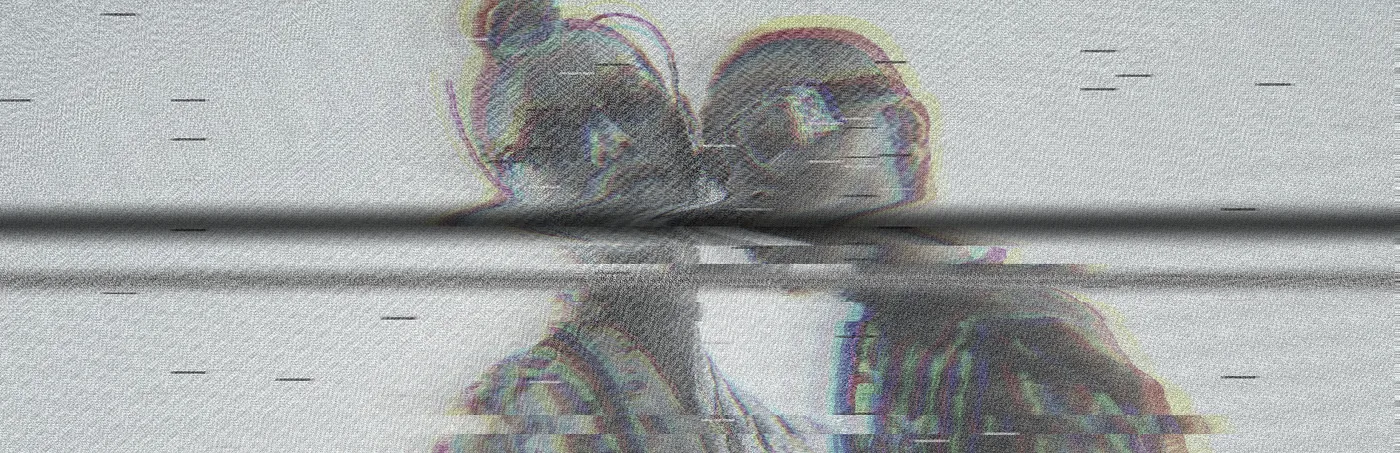
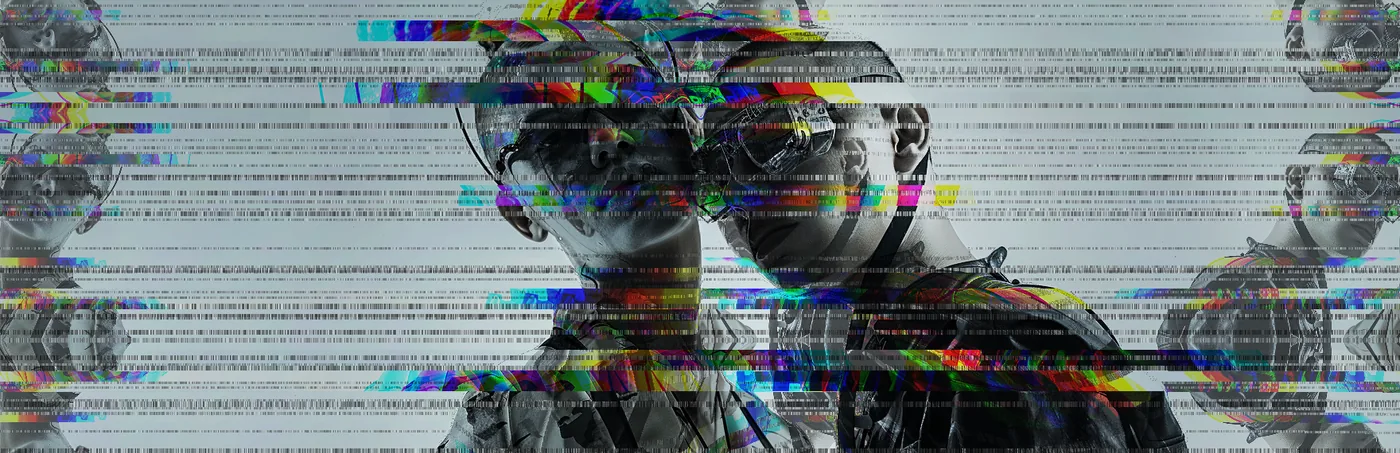
The widest frame of the three, and the one that takes structural effects best — ASCII, Halftone and the mosaics all have room to run across it.
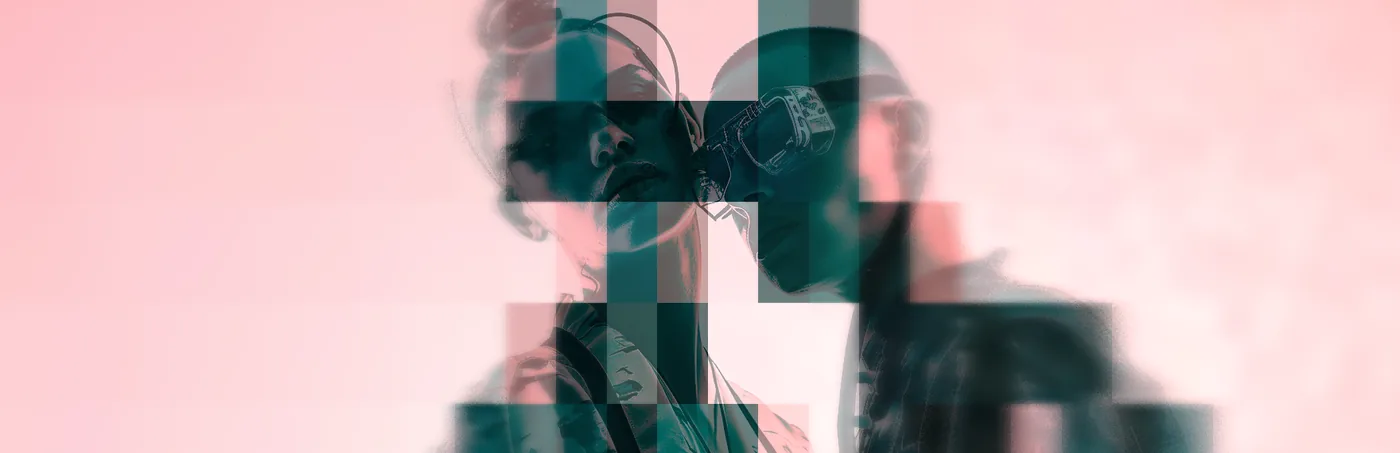
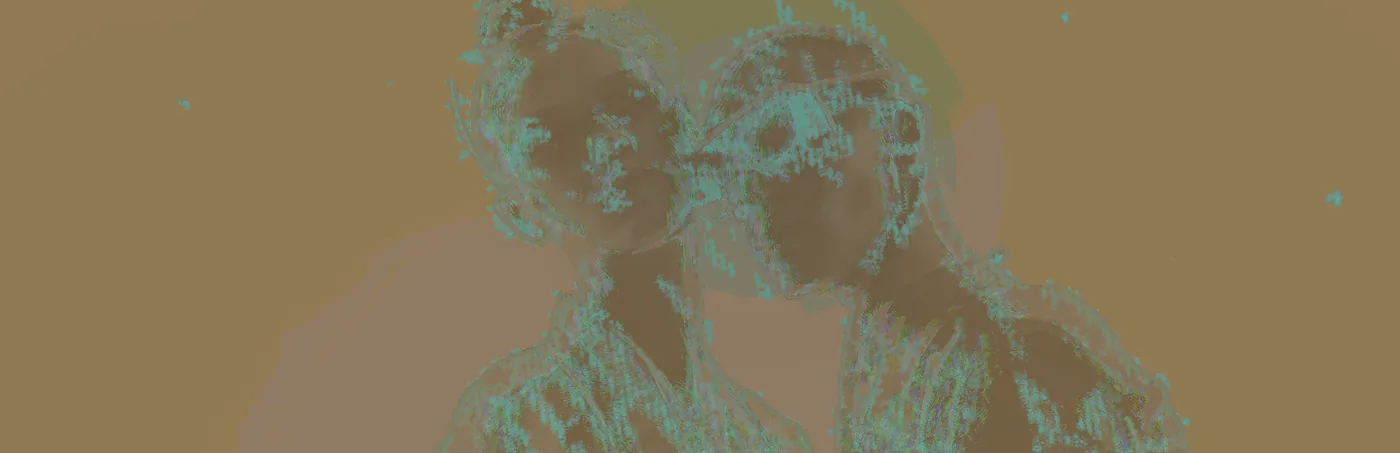
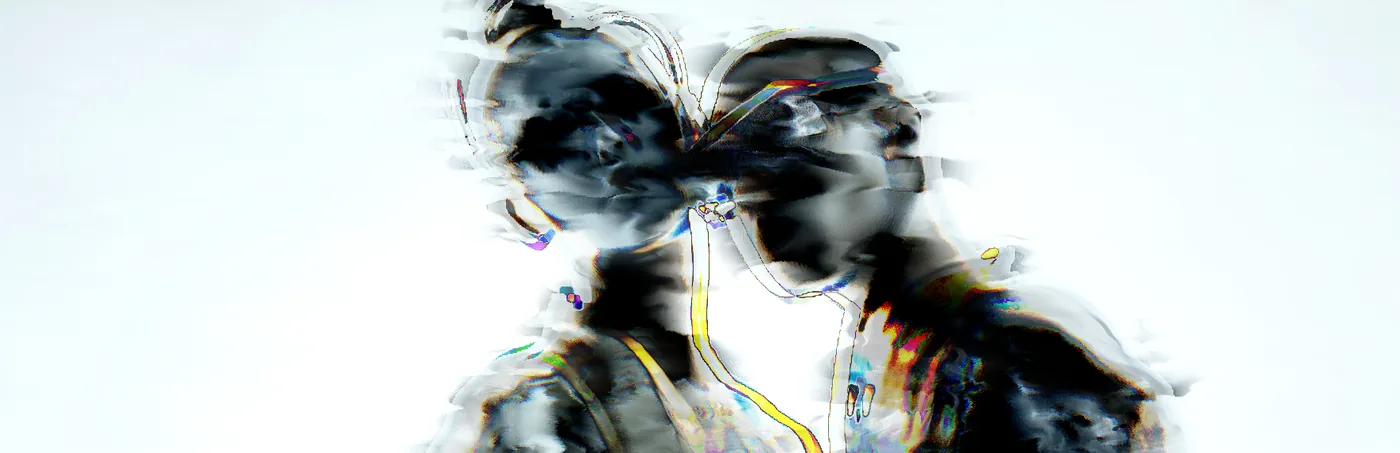
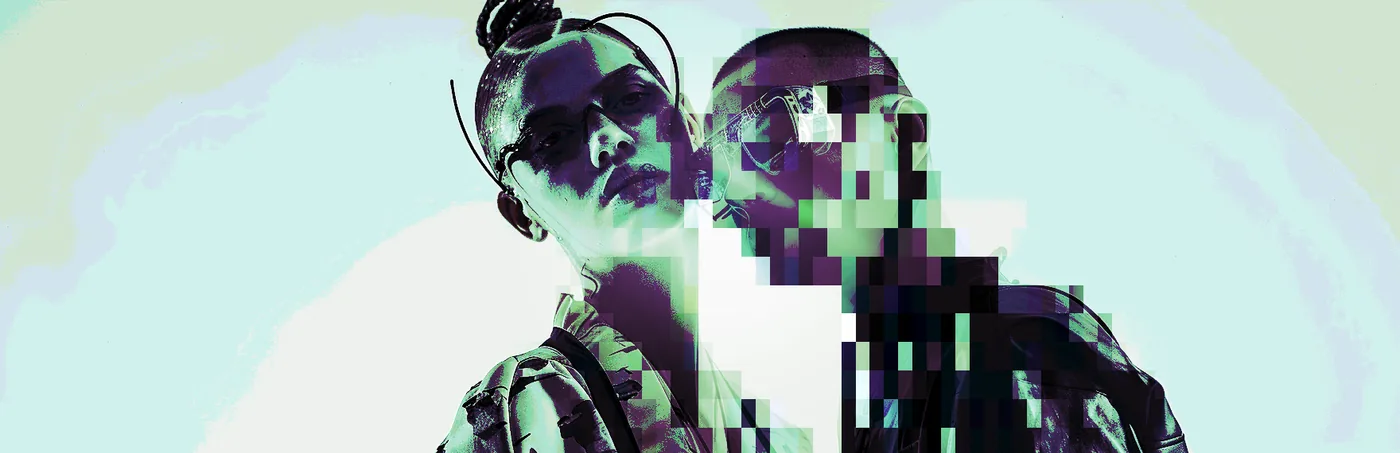
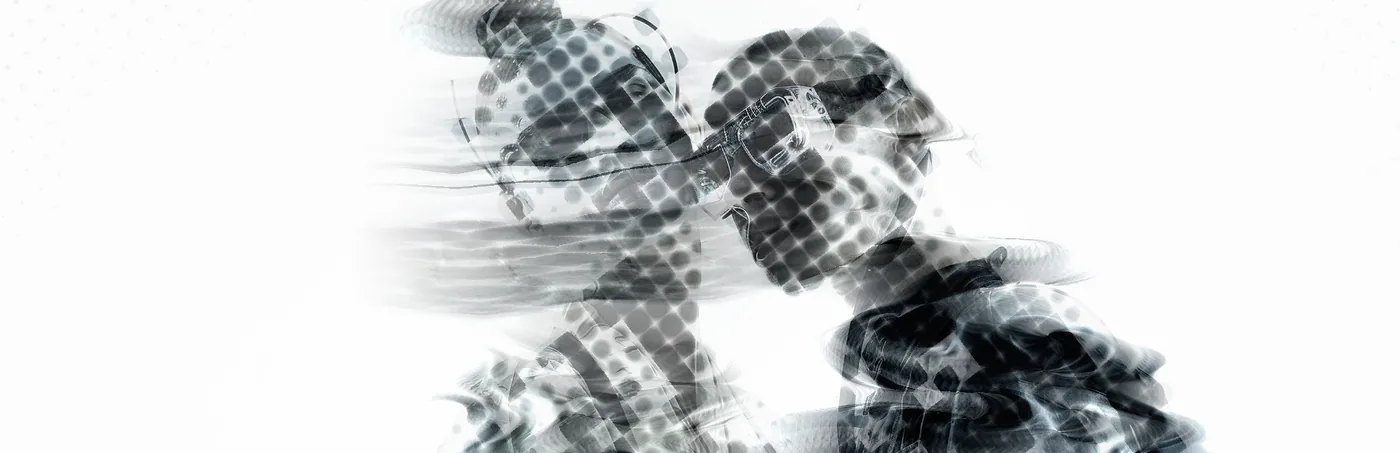
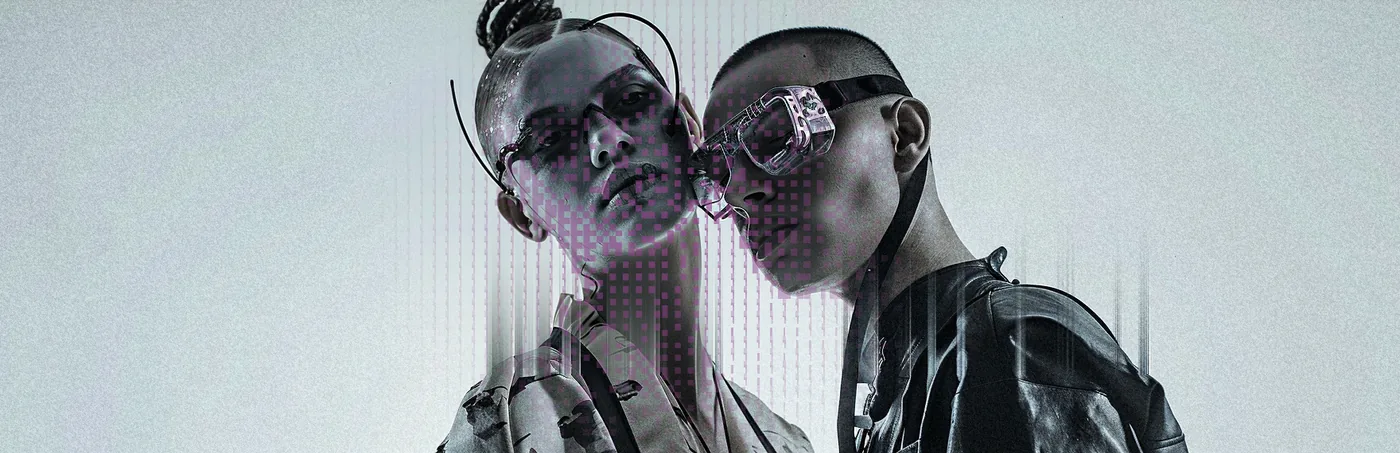
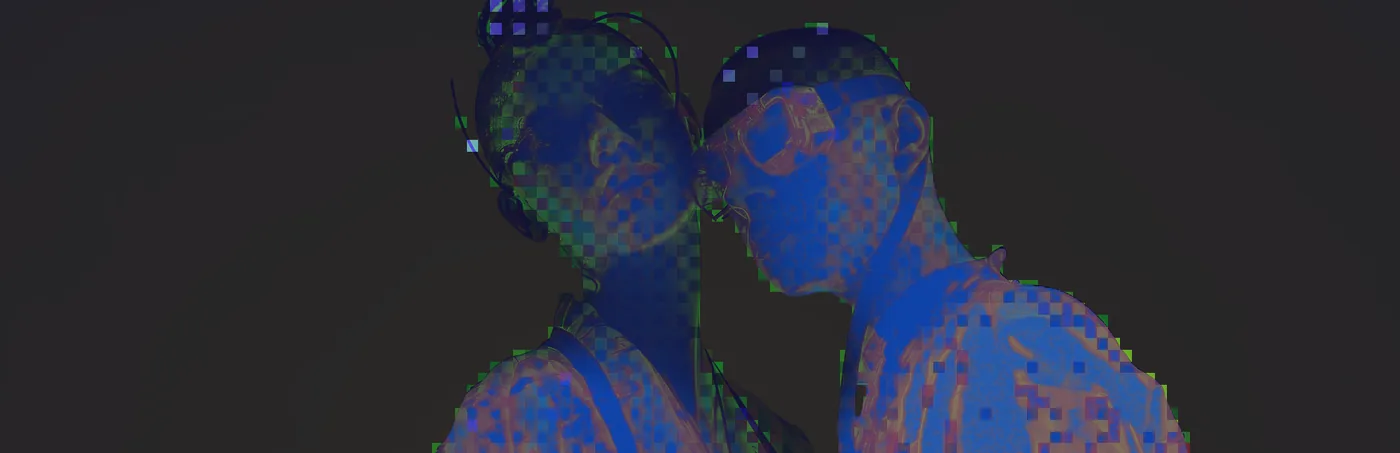
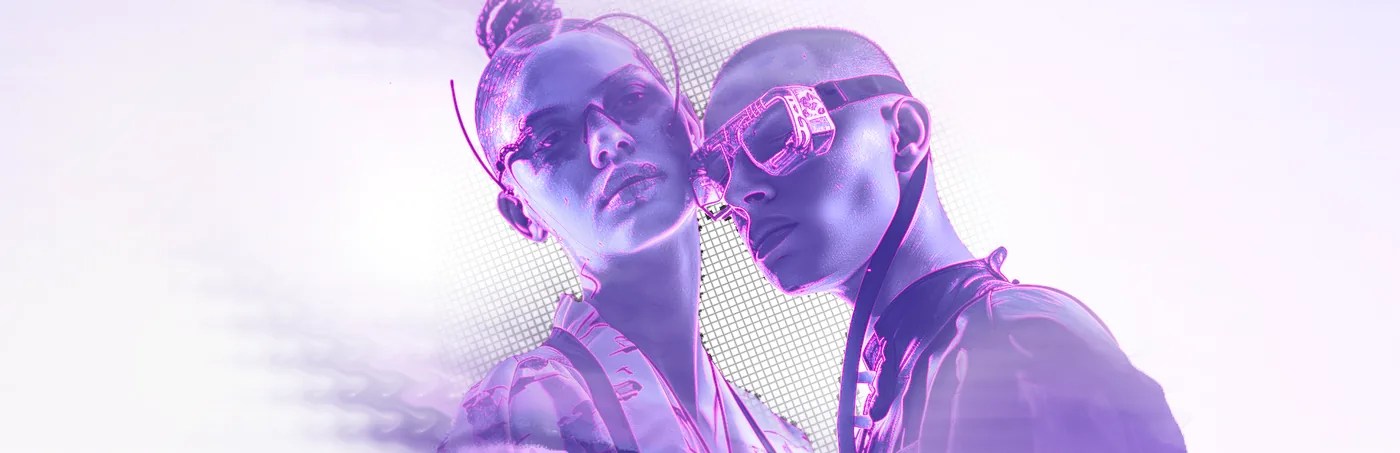
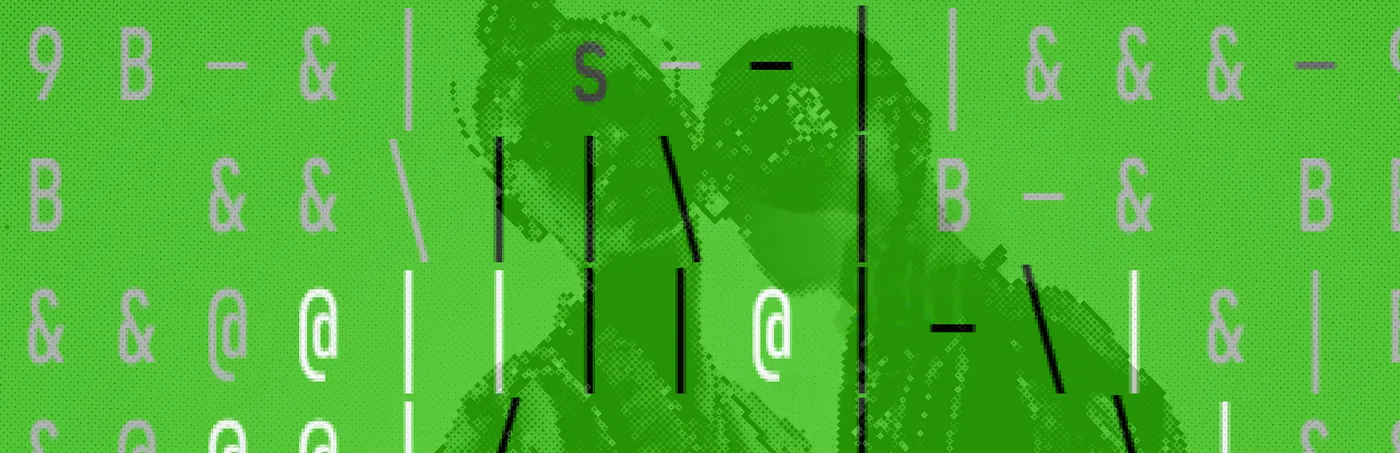
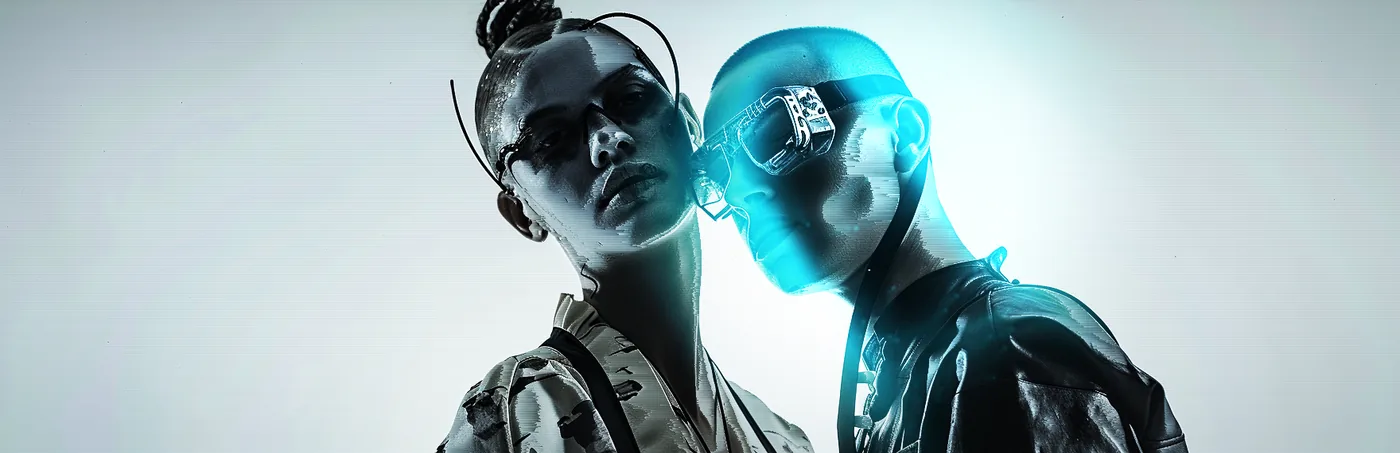
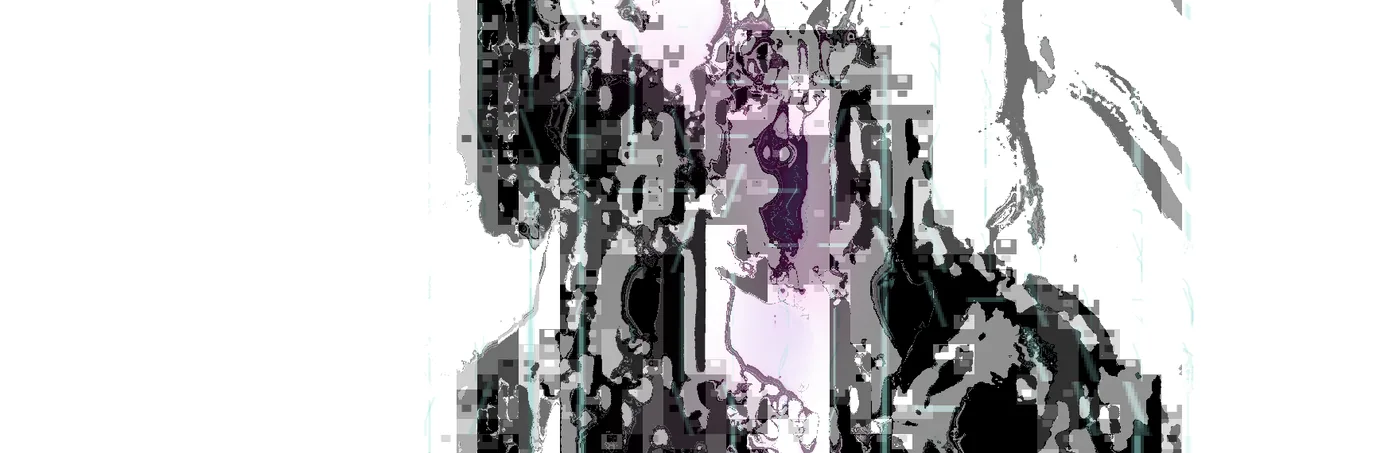
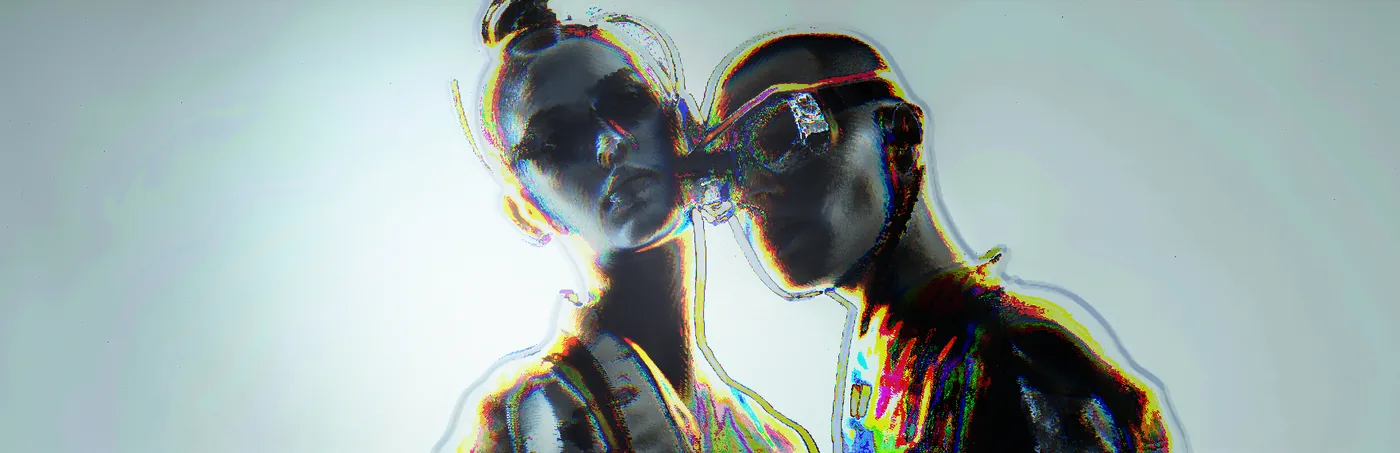
Three that stay close to imagey — the depth is doing the work rather than the colour.
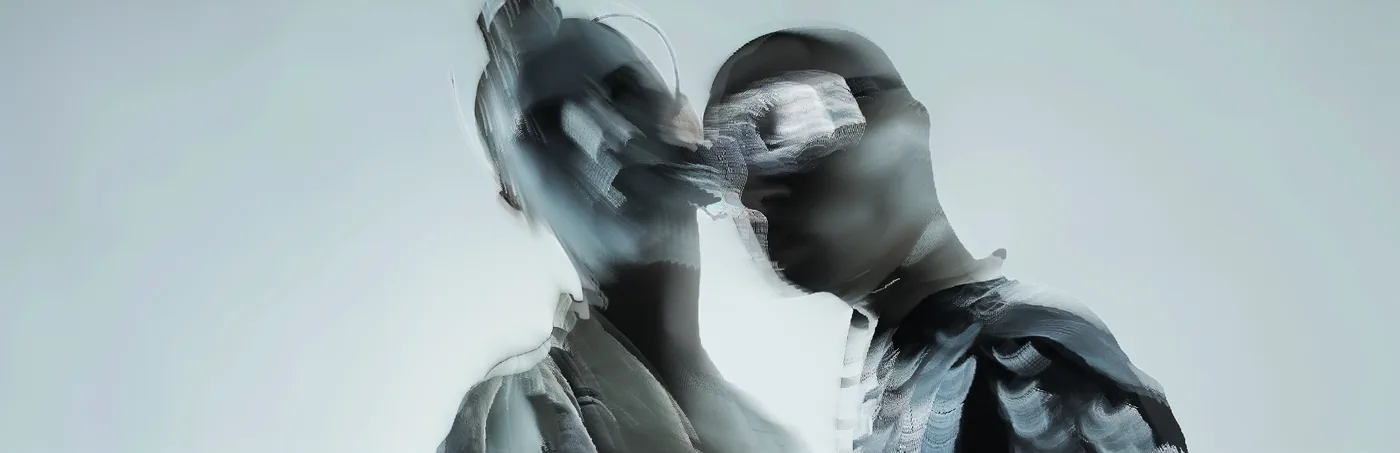
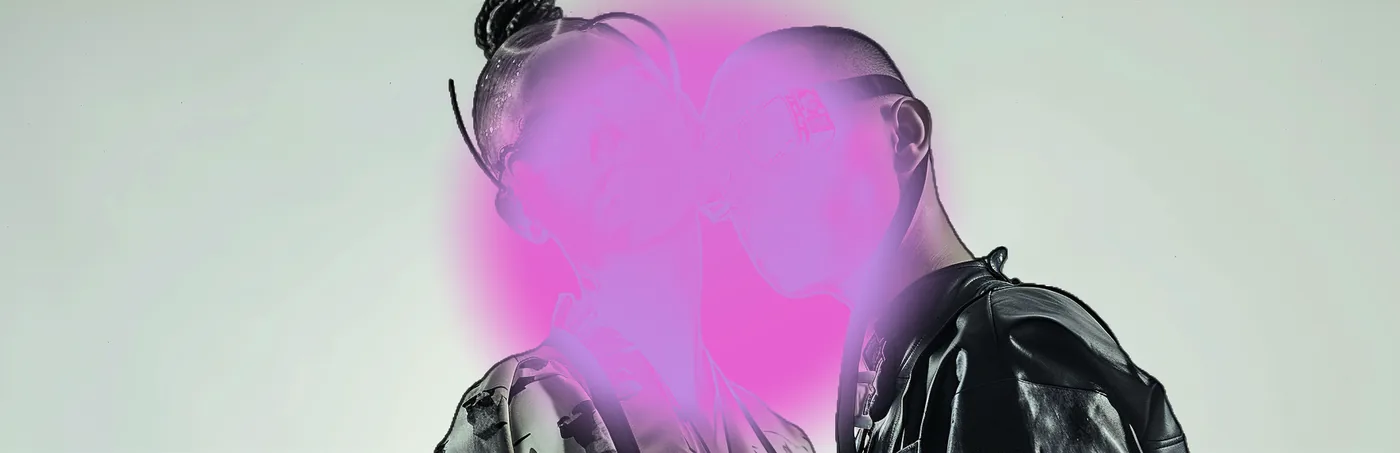

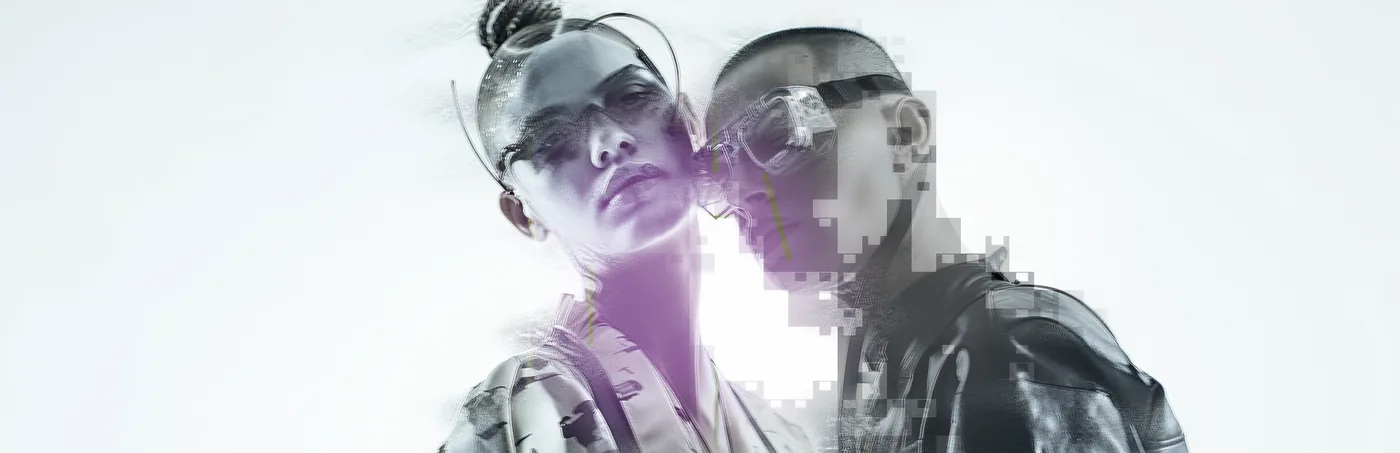

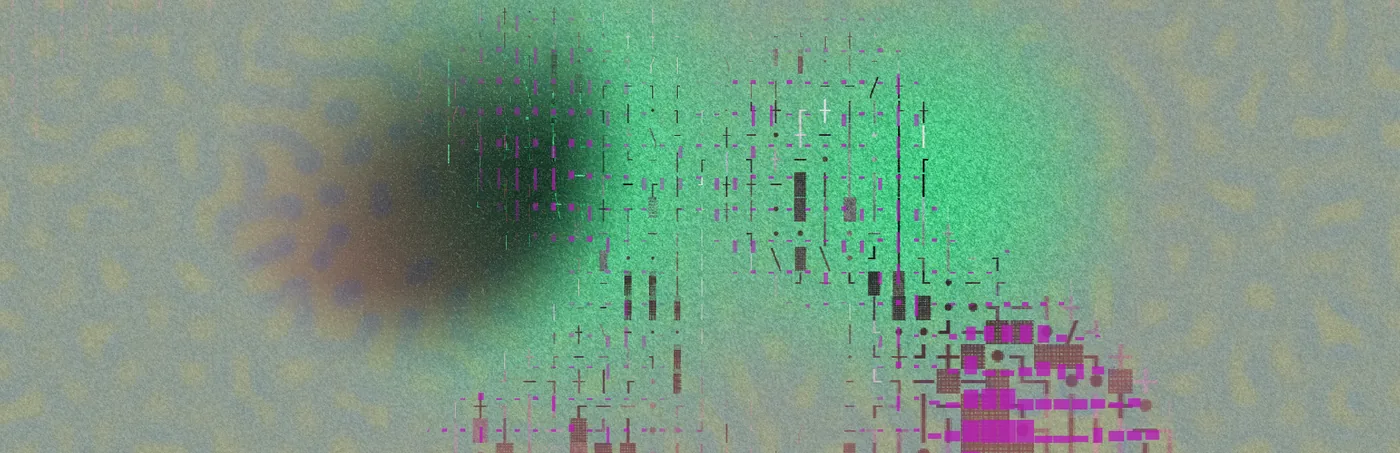
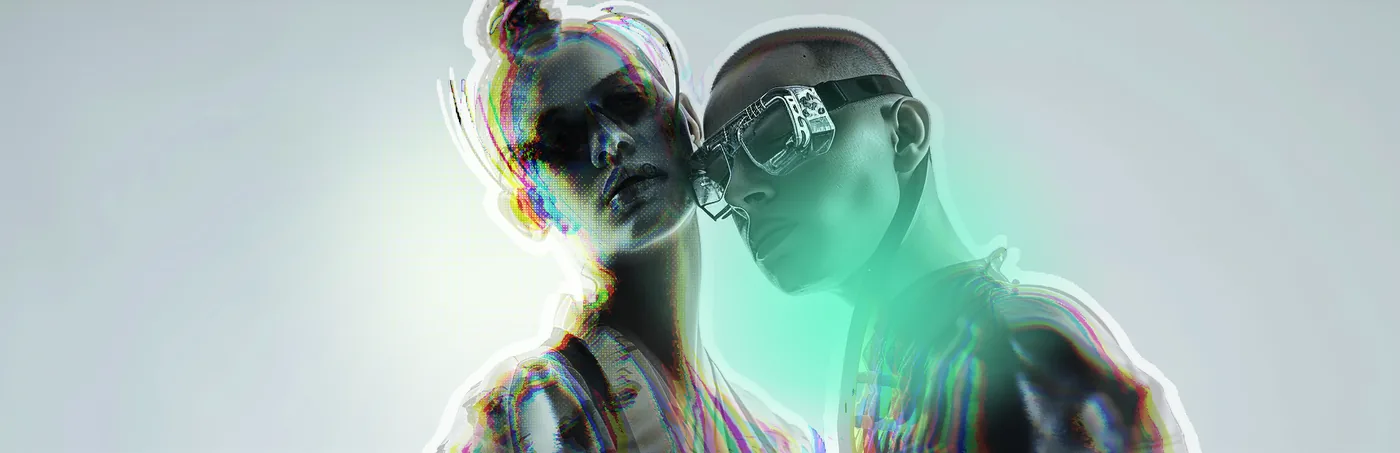
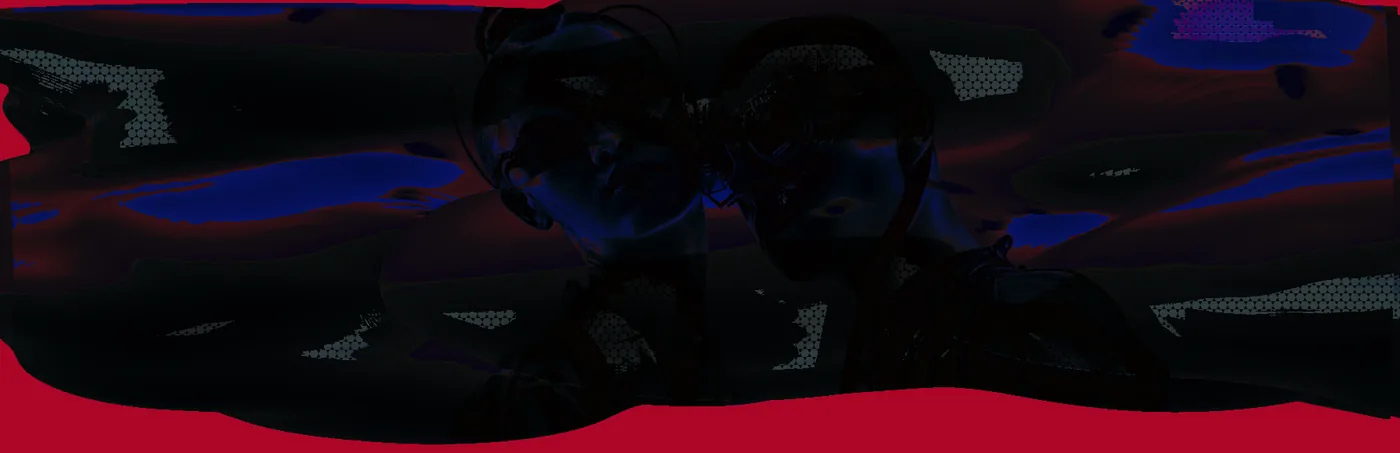
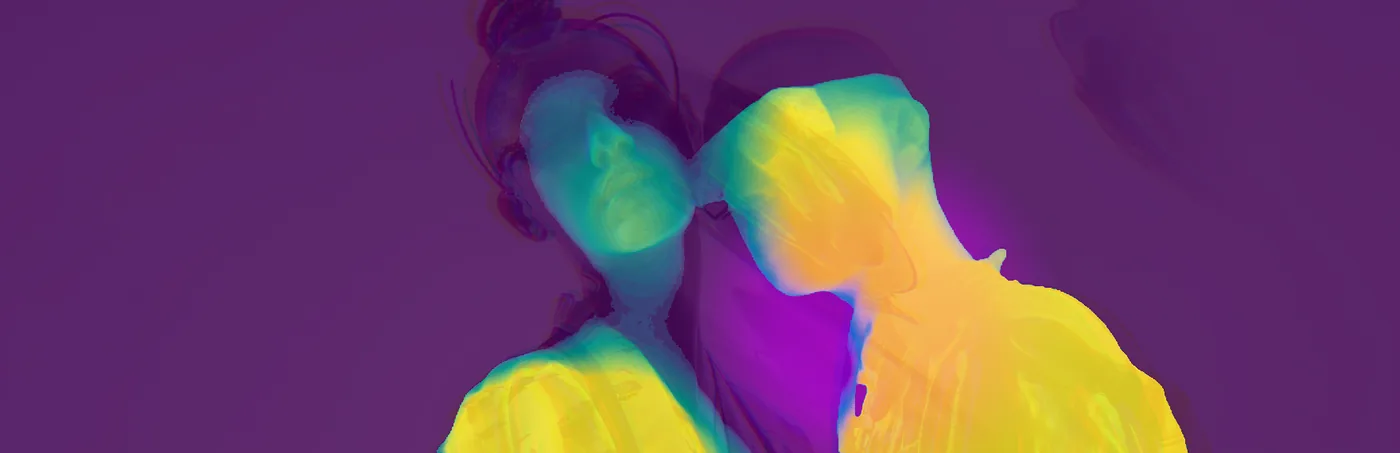
And four where the signal goes.
Frame two
The tighter of the three. Faces closer together, so anything that displaces or shatters has two edges to work between rather than one.
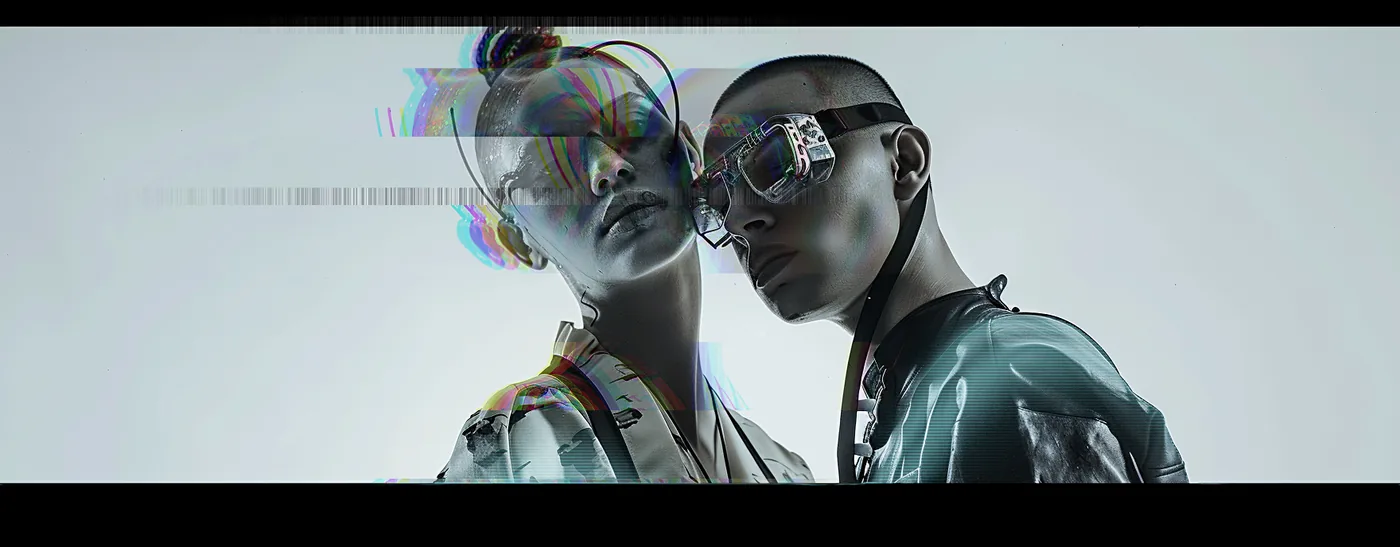
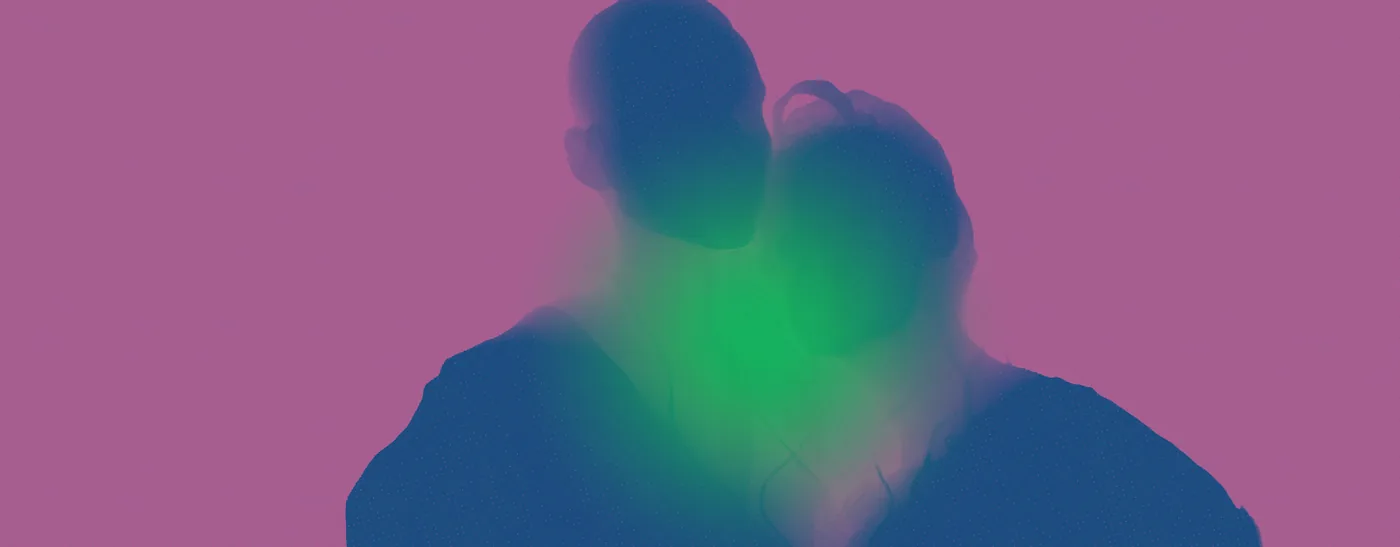
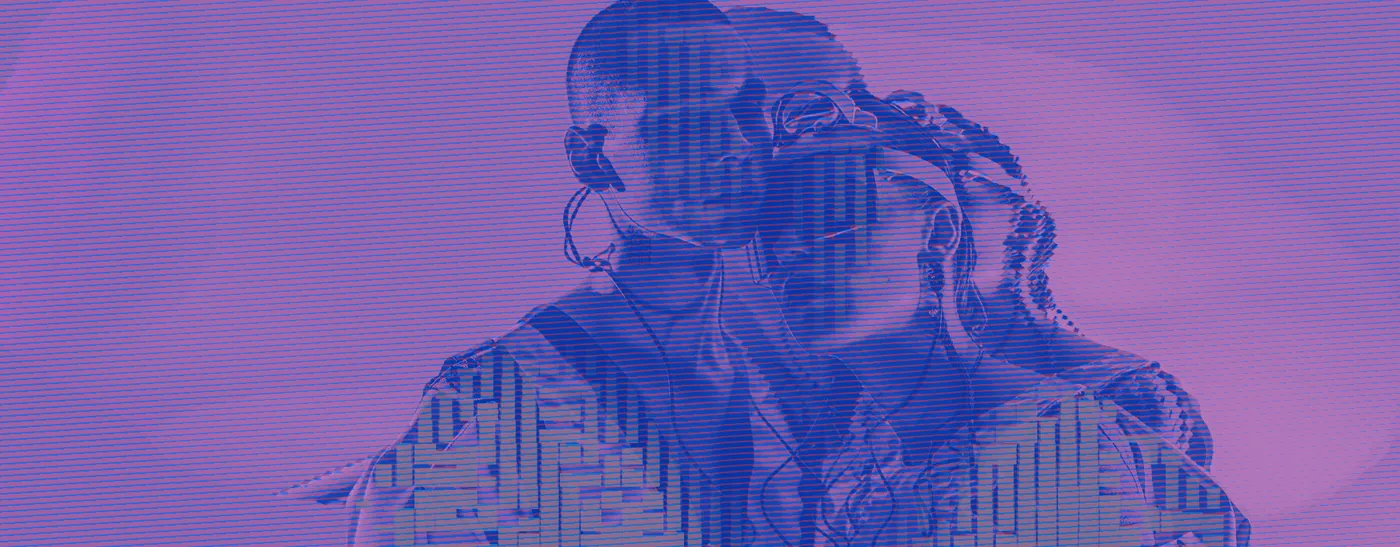
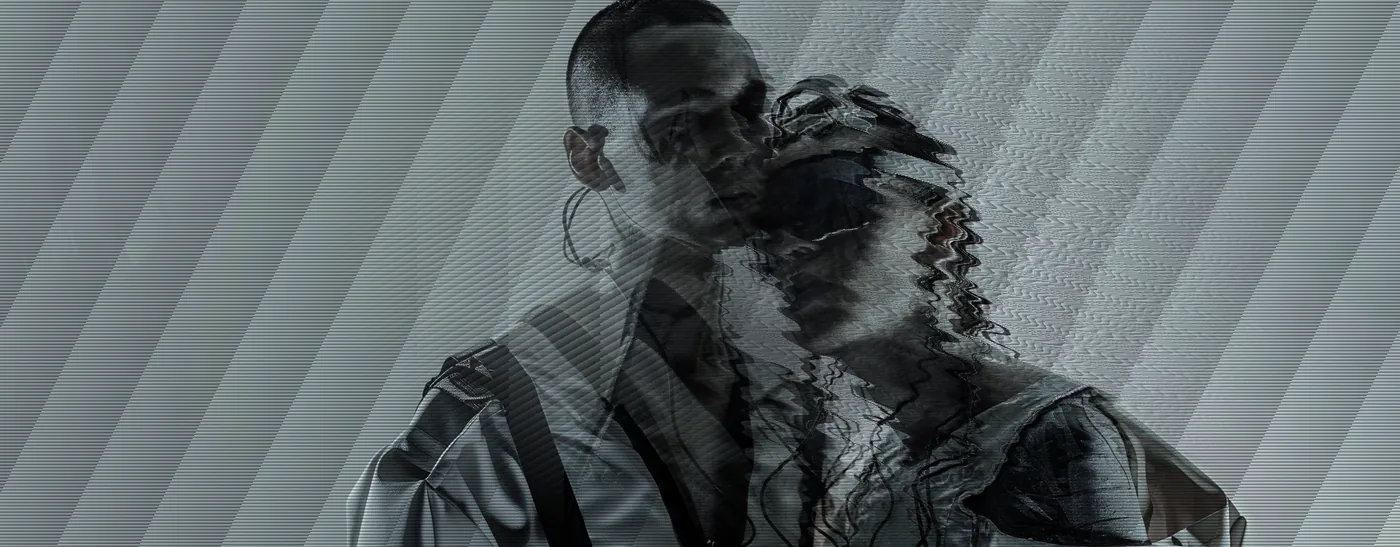
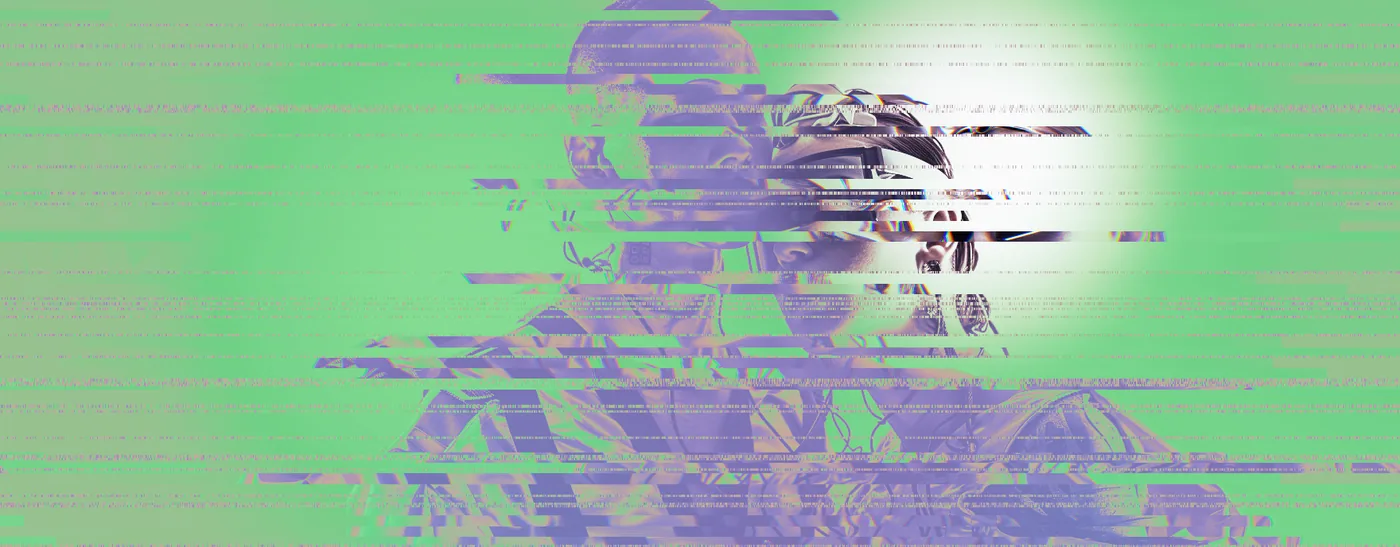
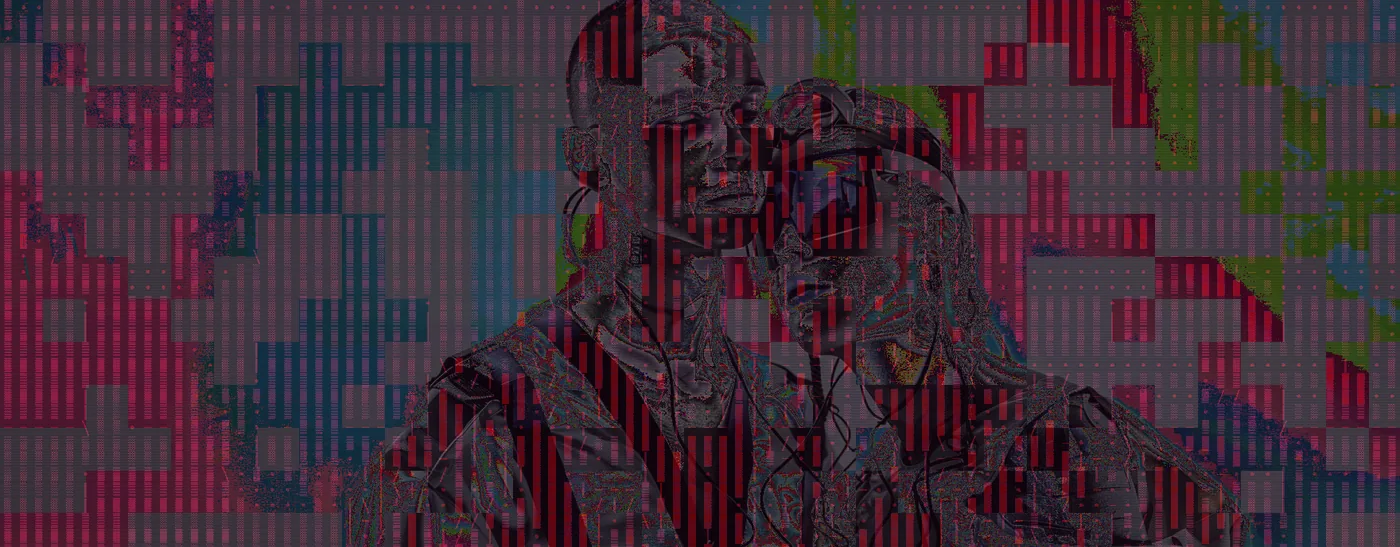
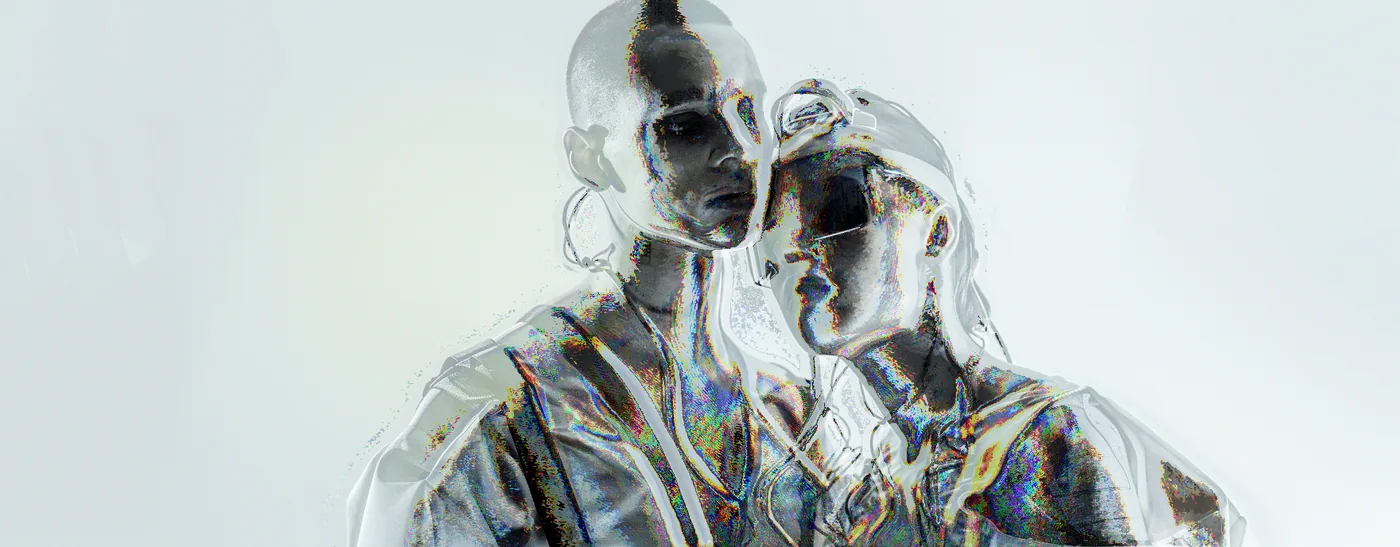
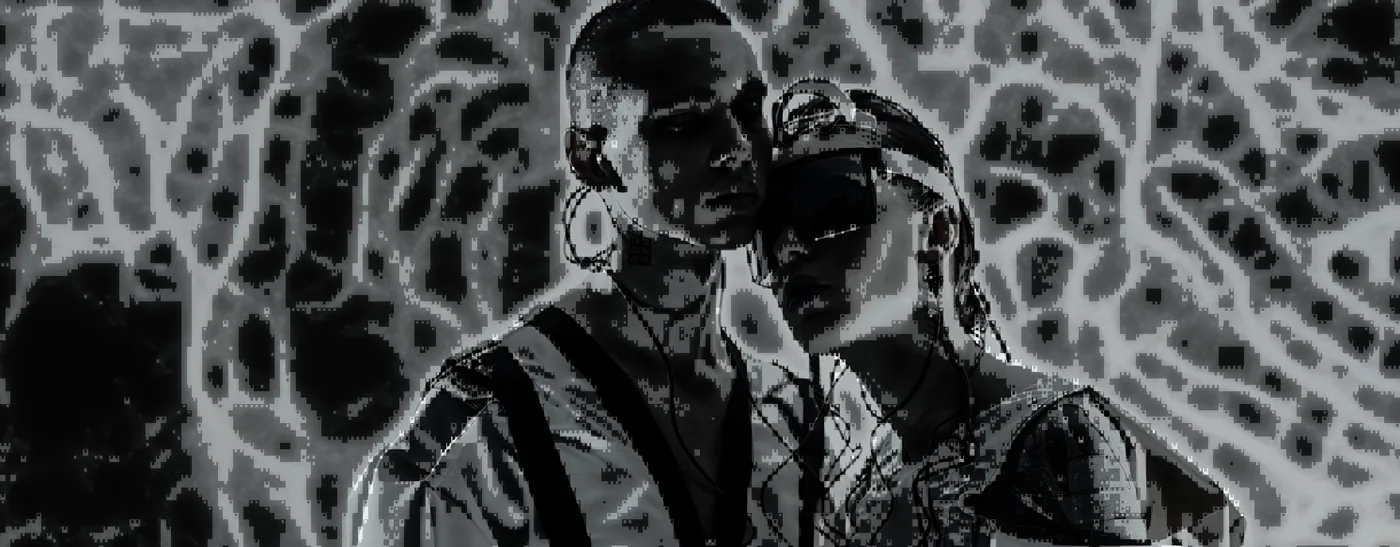
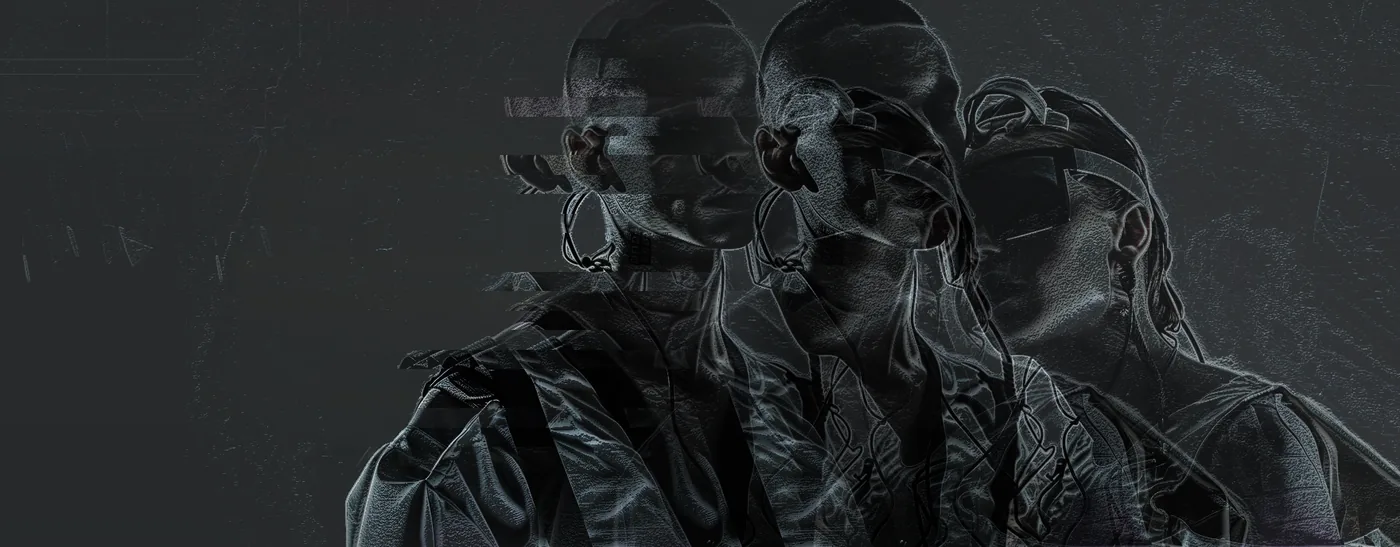

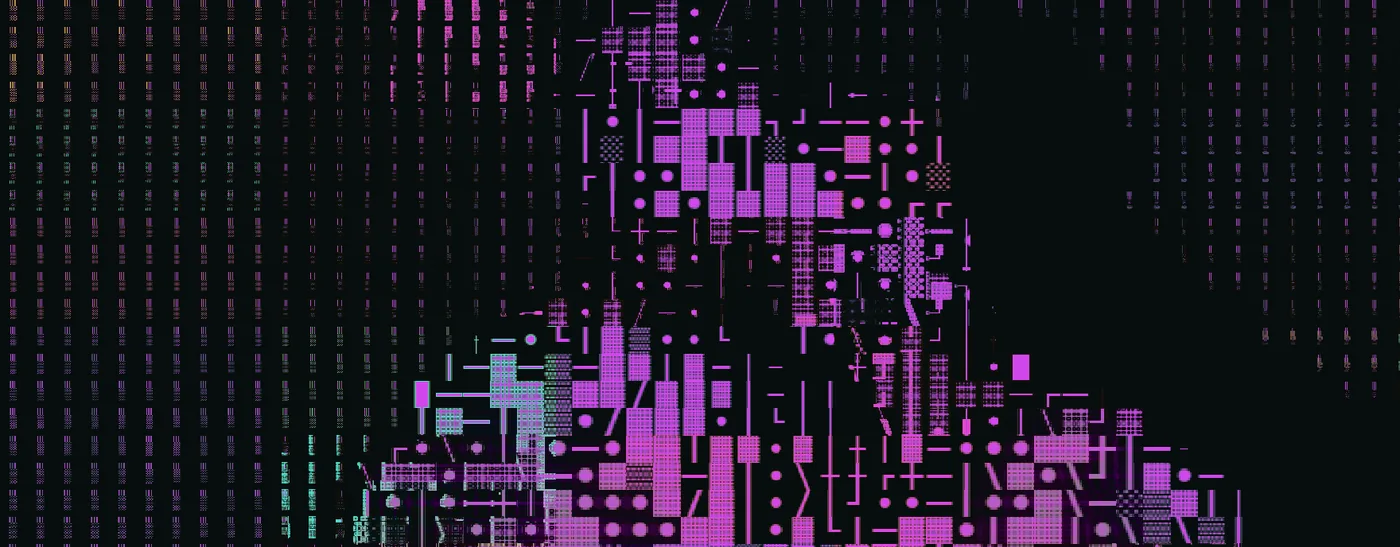
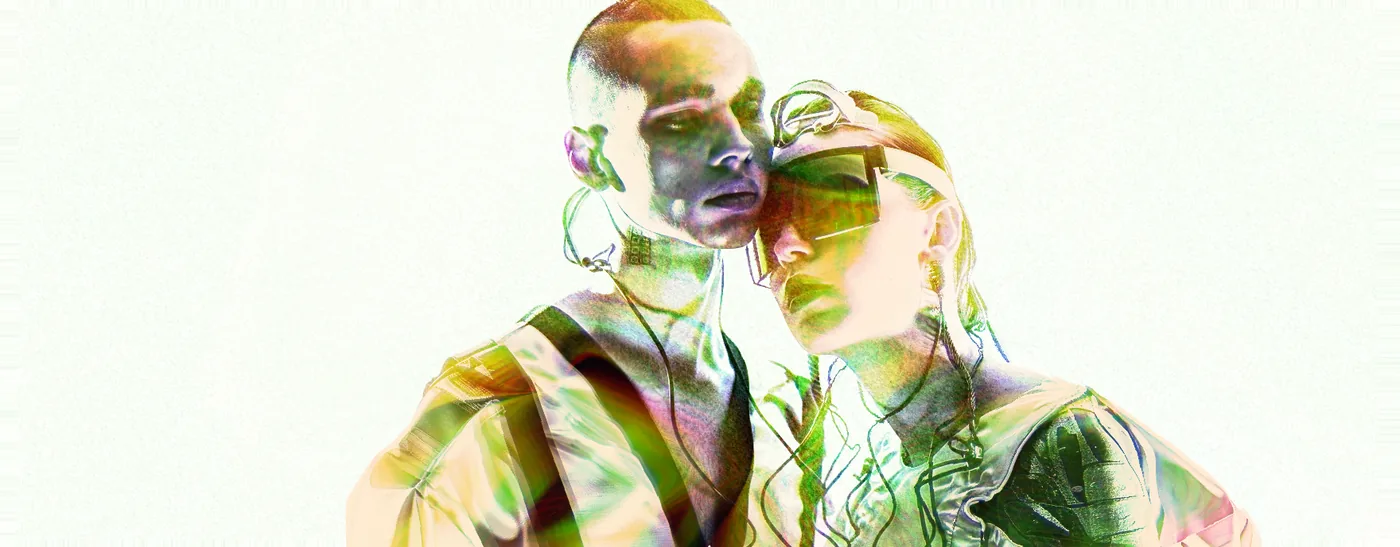
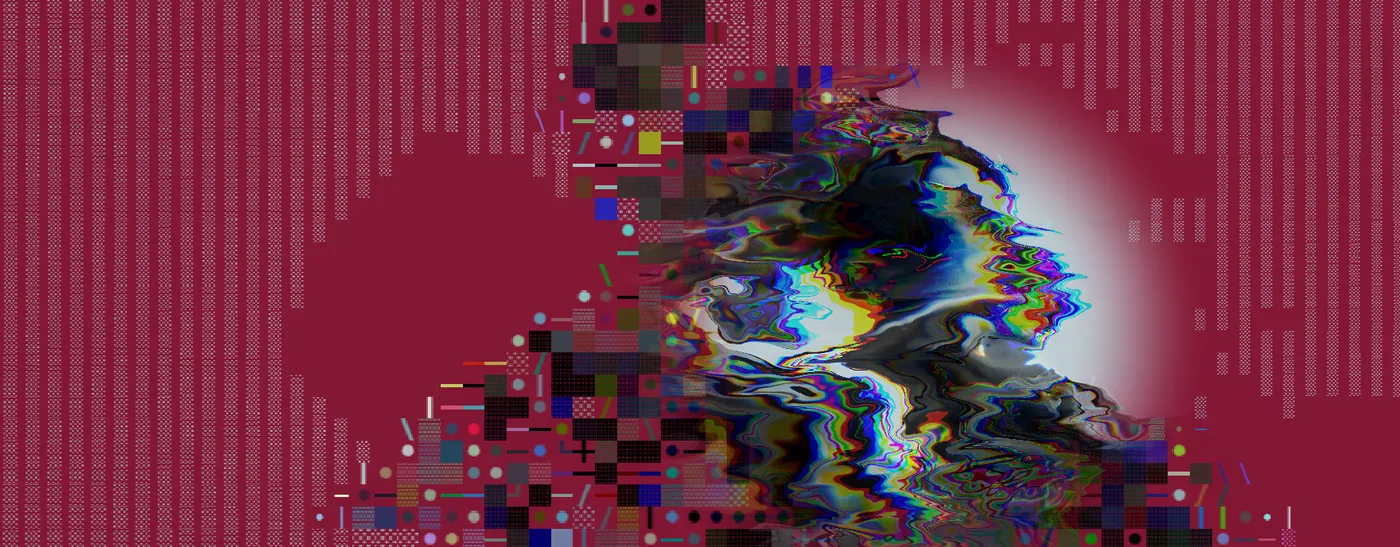
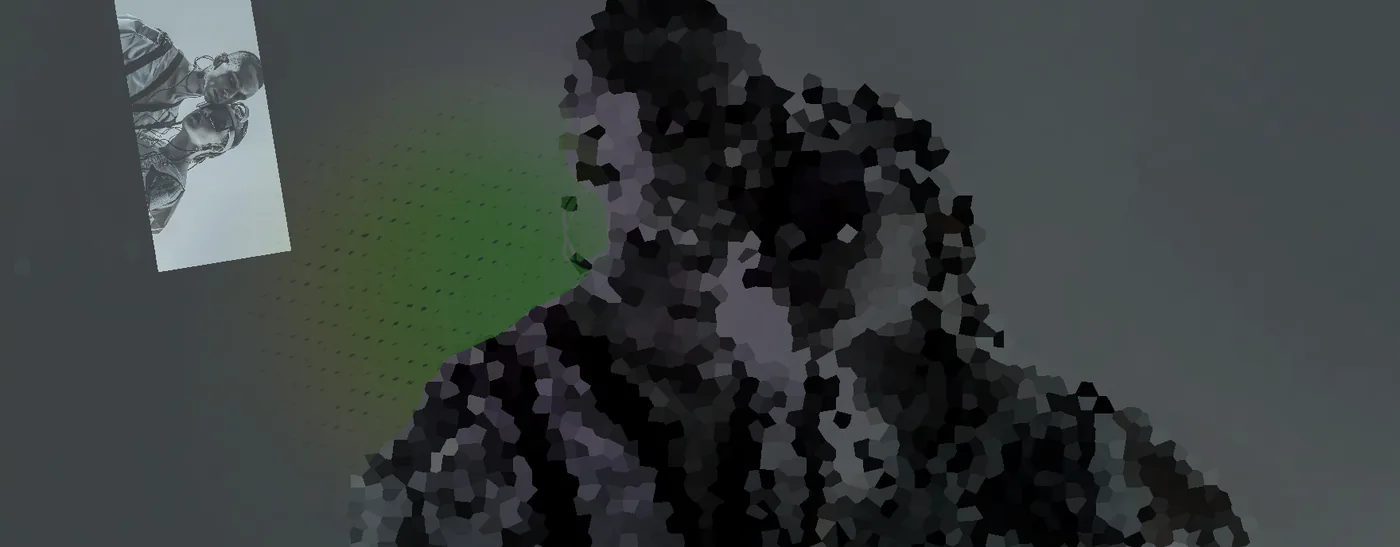
Two that relight rather than recolour — the geometry is read off the frame, so the new light lands on real surfaces.
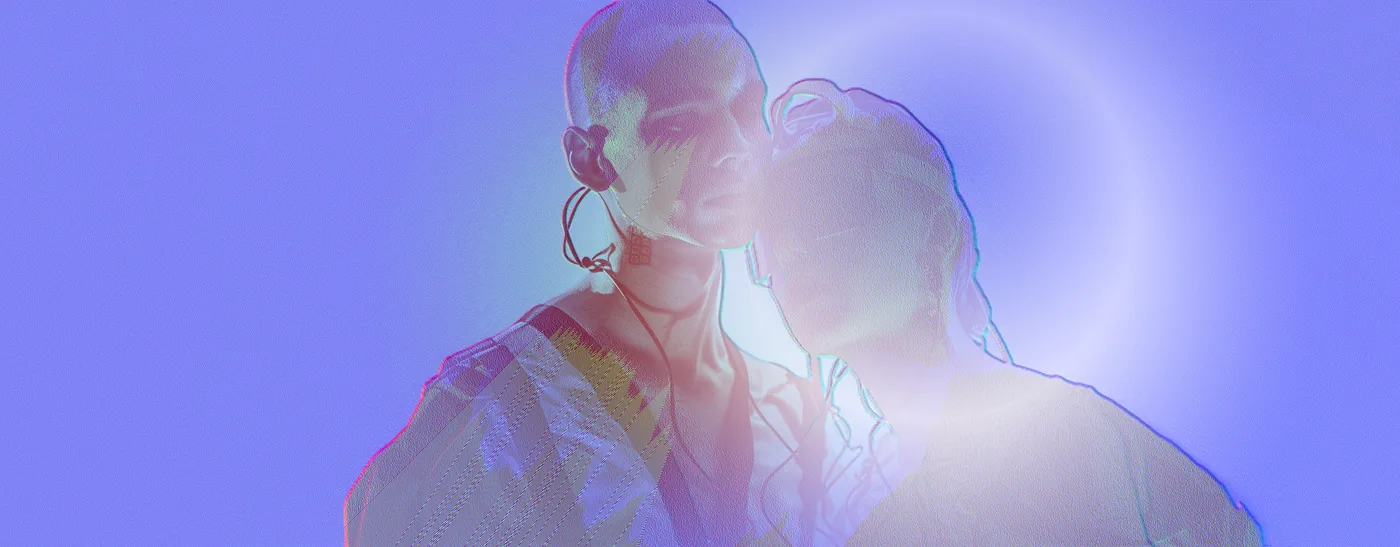
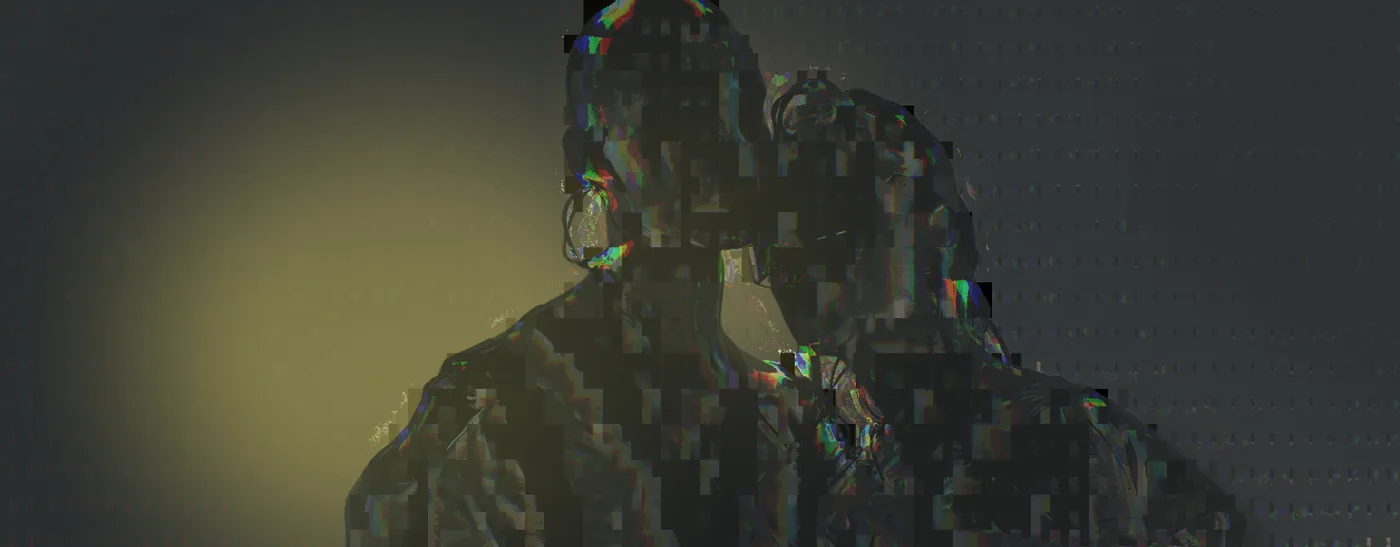
Frame three
The one the heavy stacks liked best. Three of these share an identical stack and still came back different, because the roll sets the parameters as well as the effects.
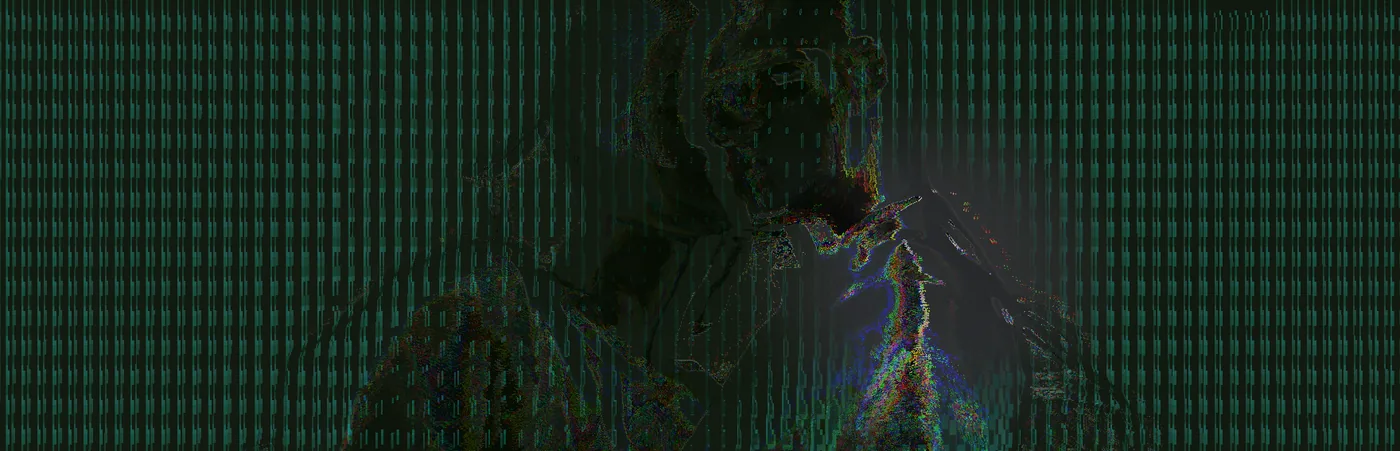
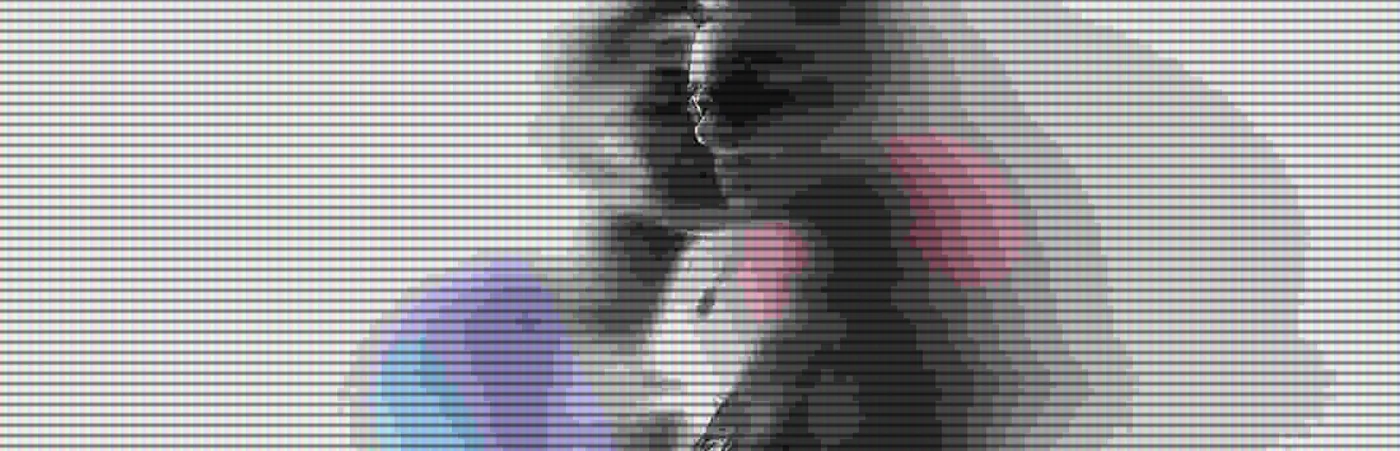
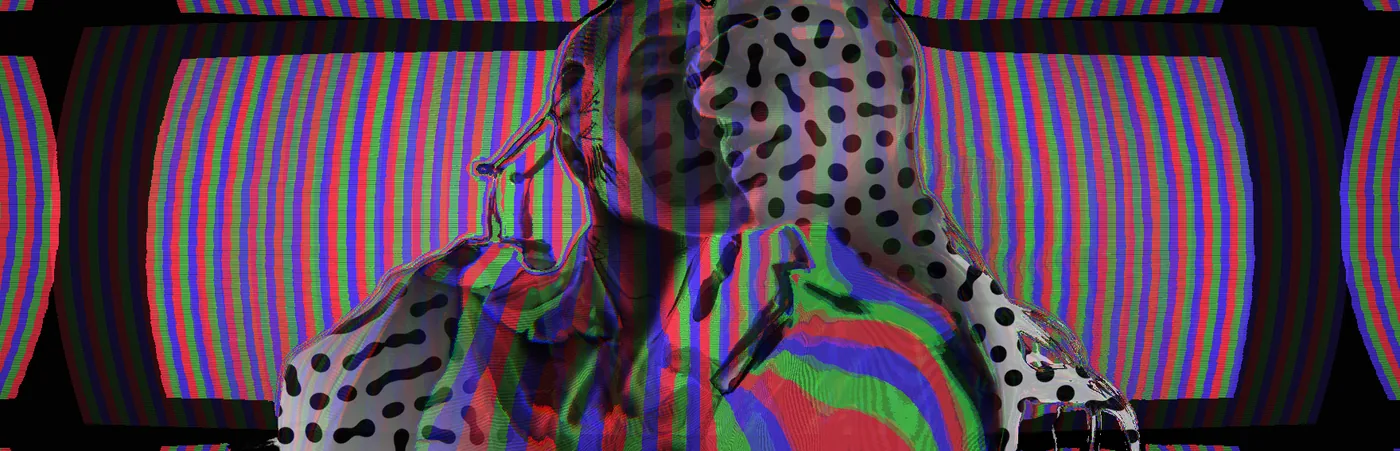
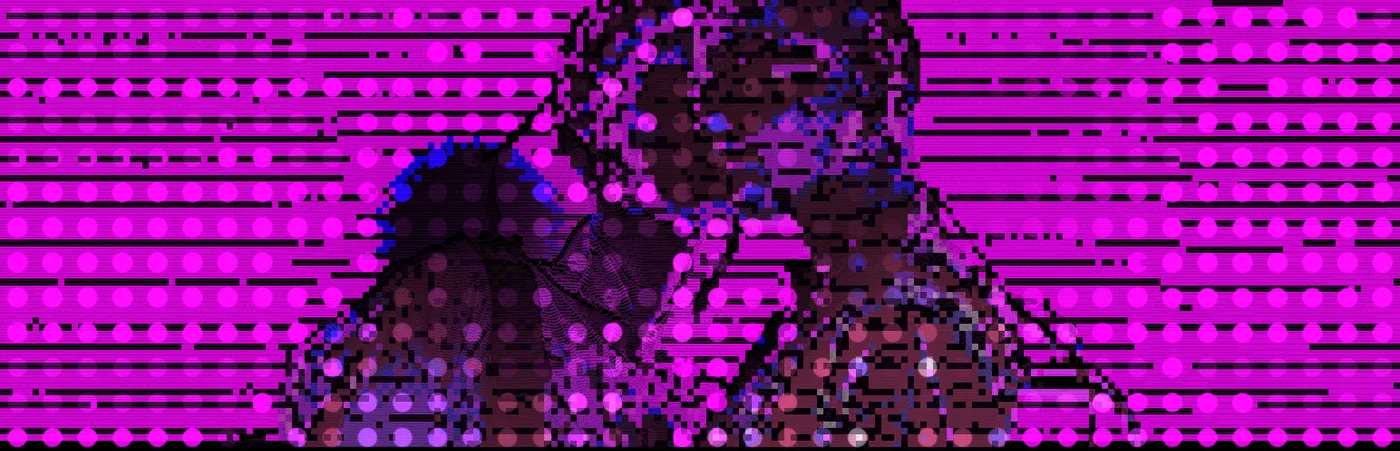
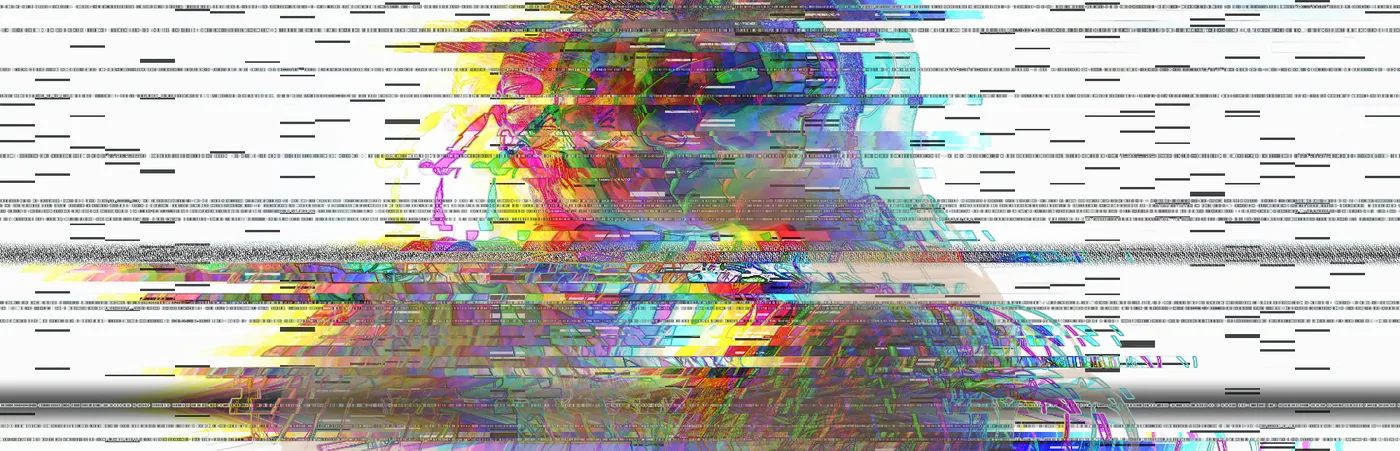
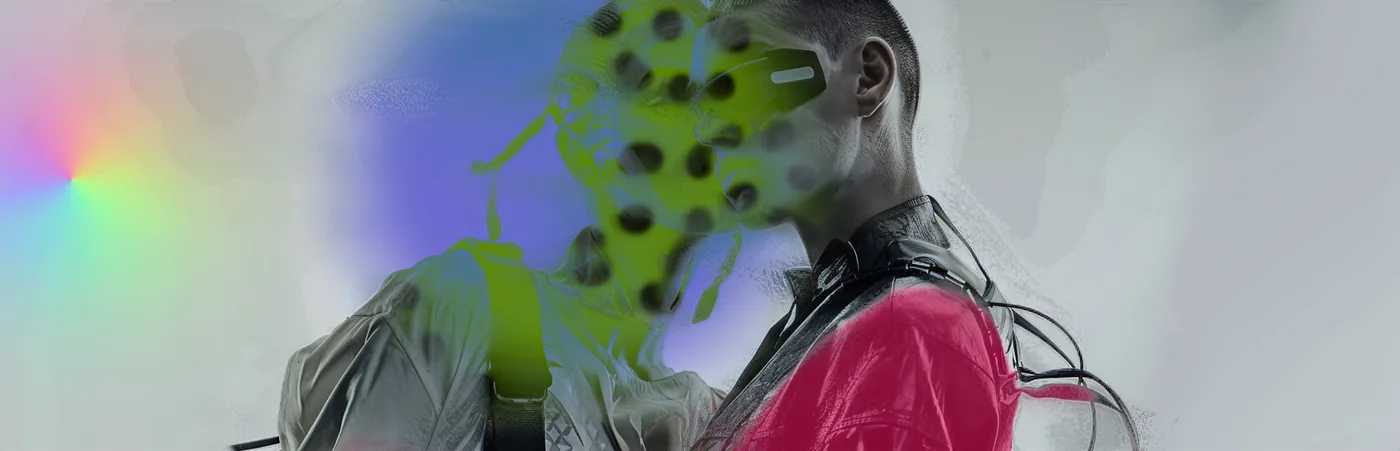
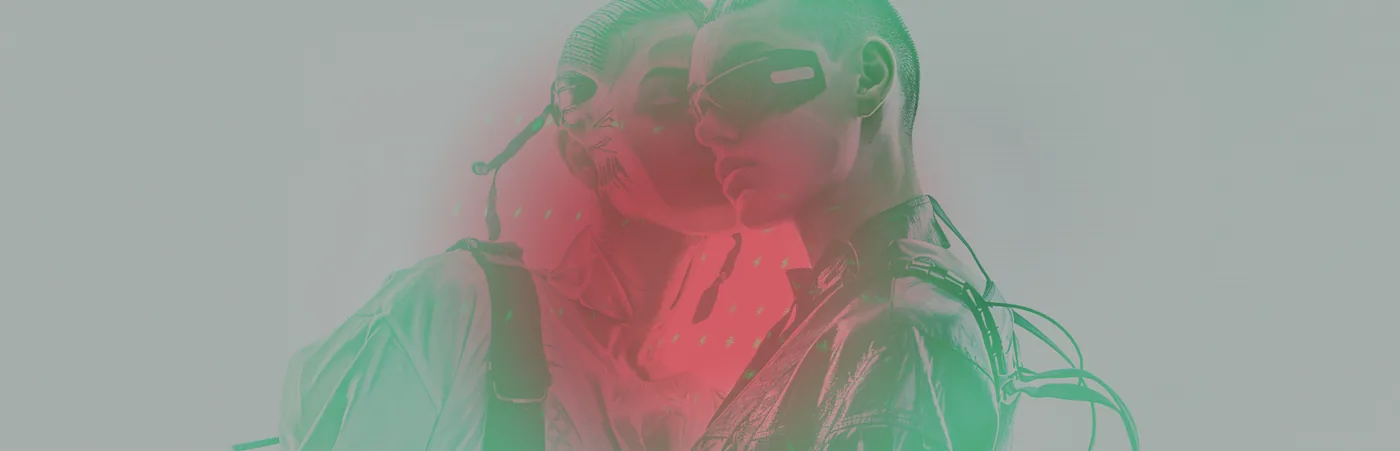
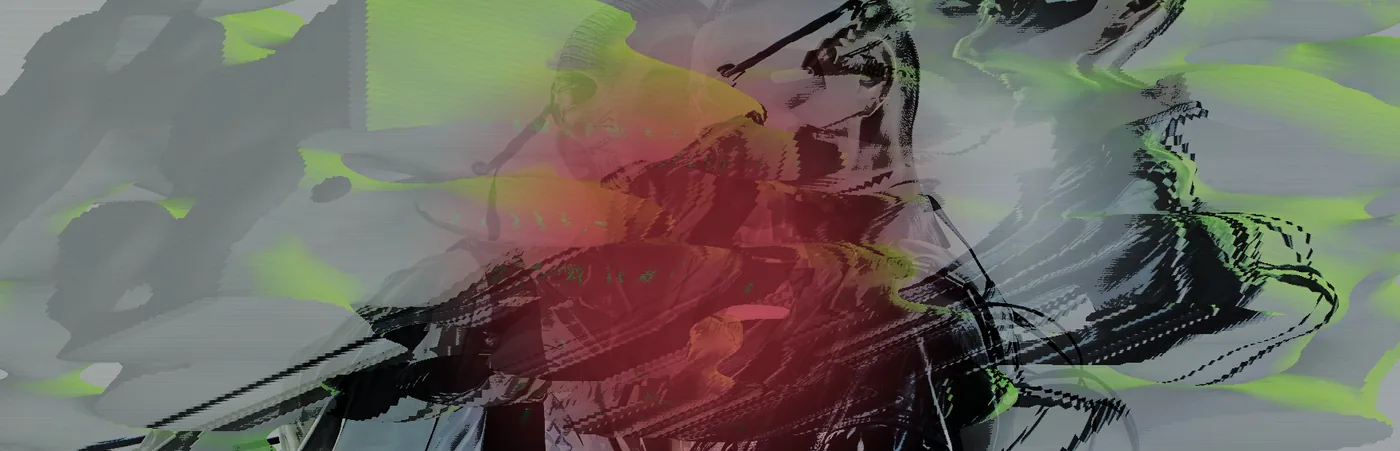
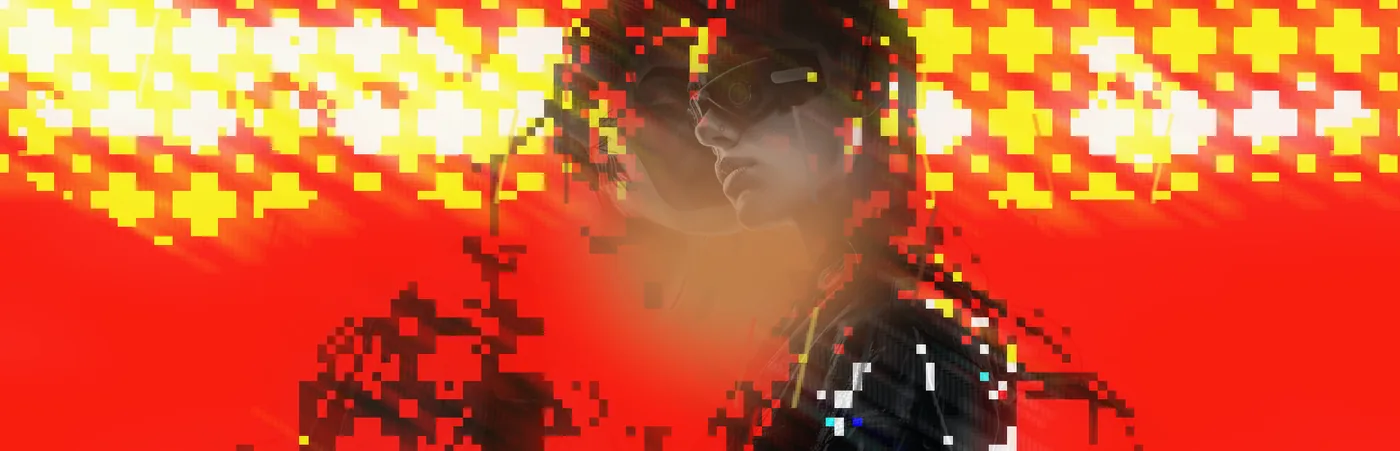
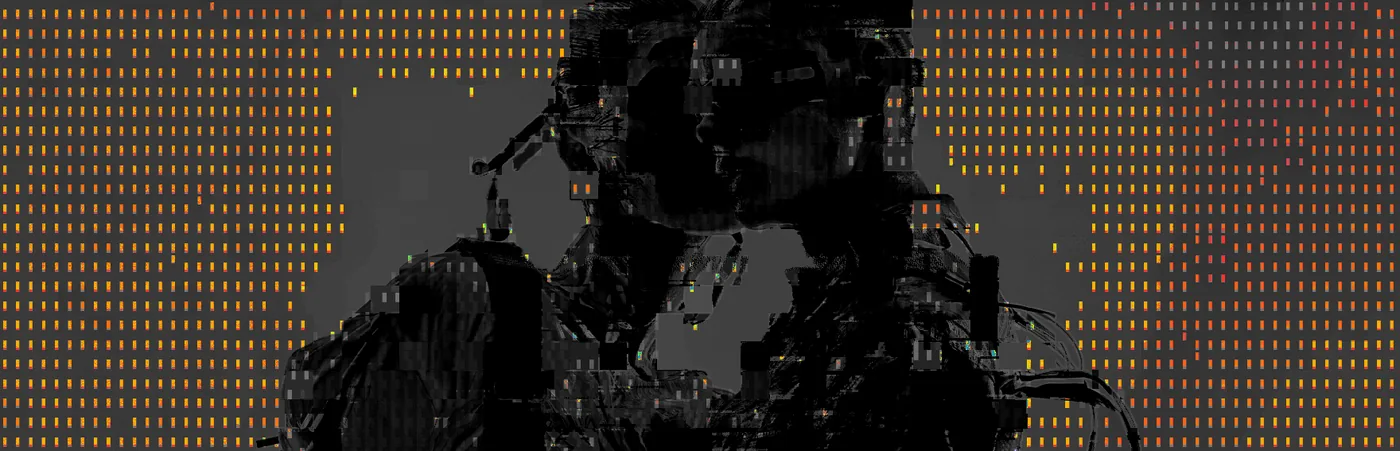
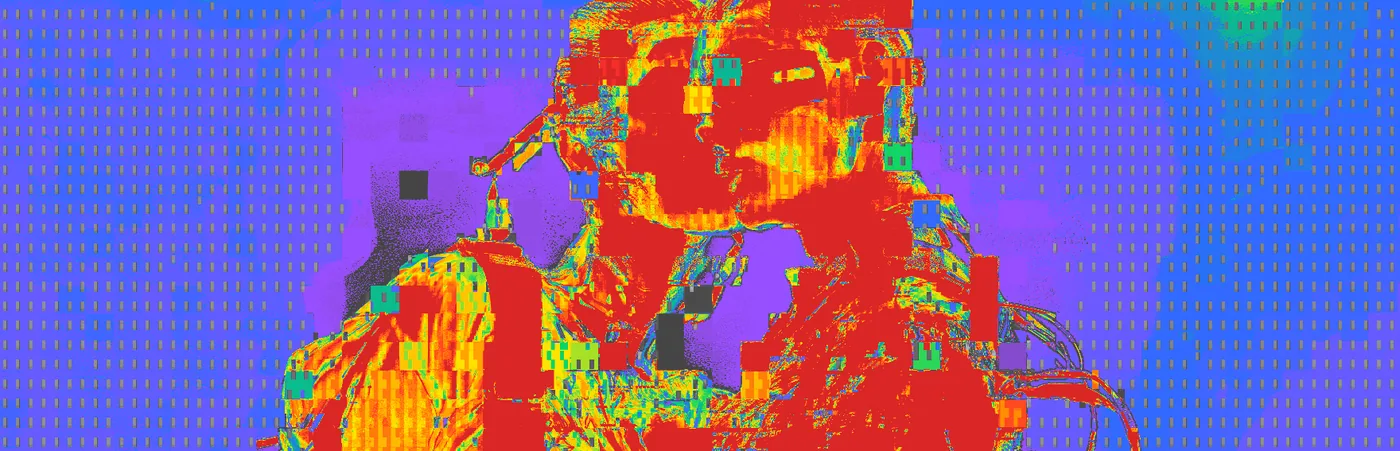
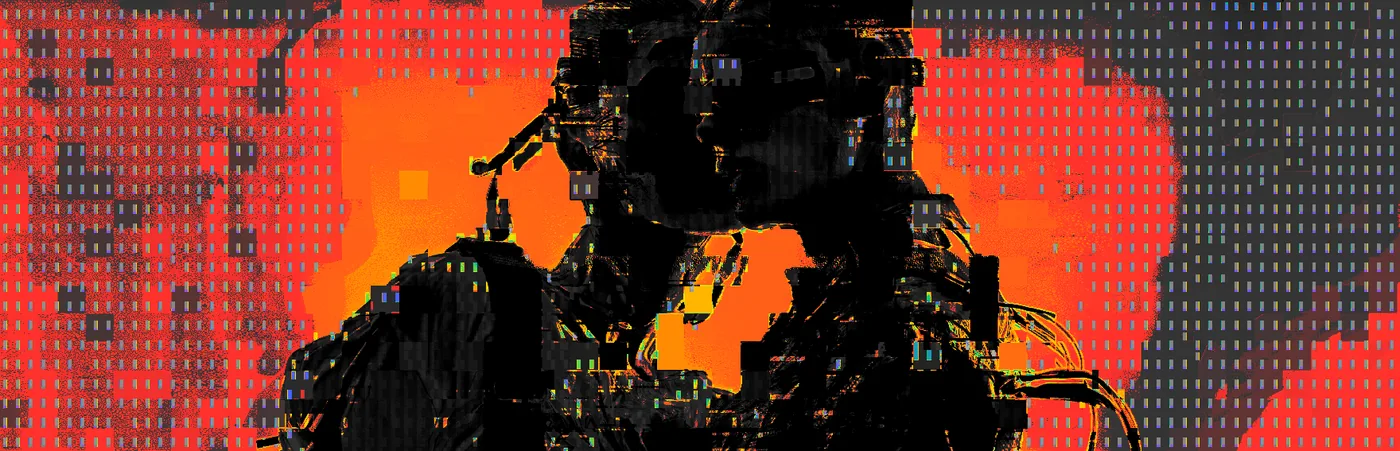
Two of these are the same four effects with one slice setting moved.
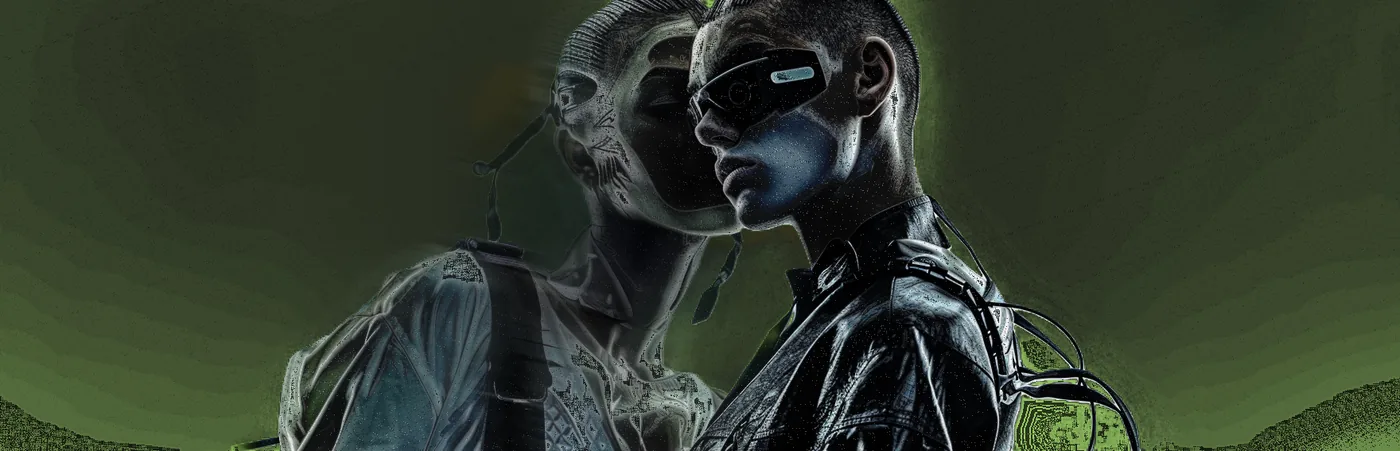
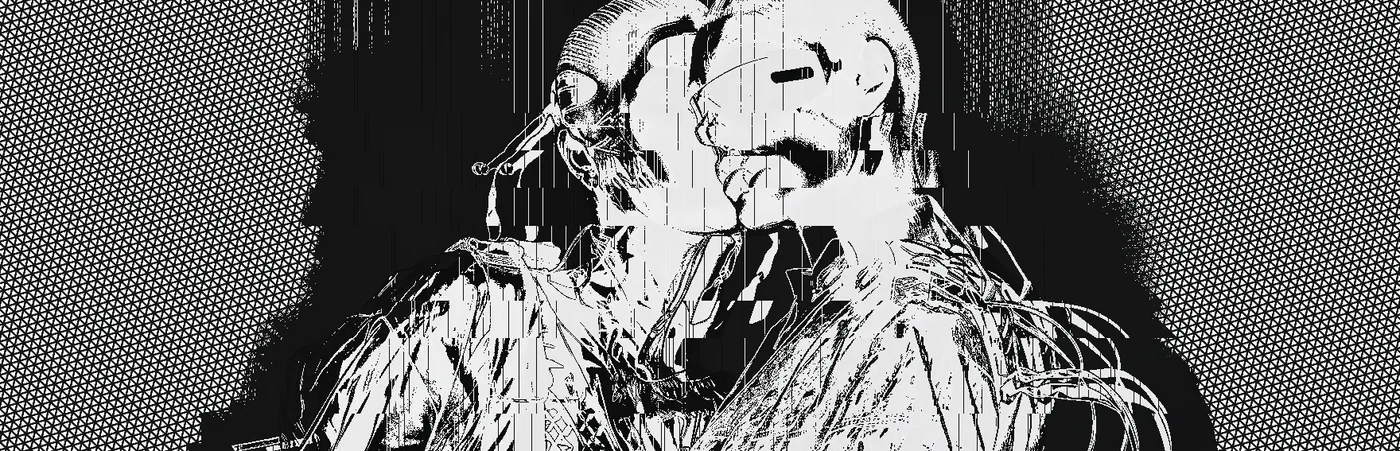
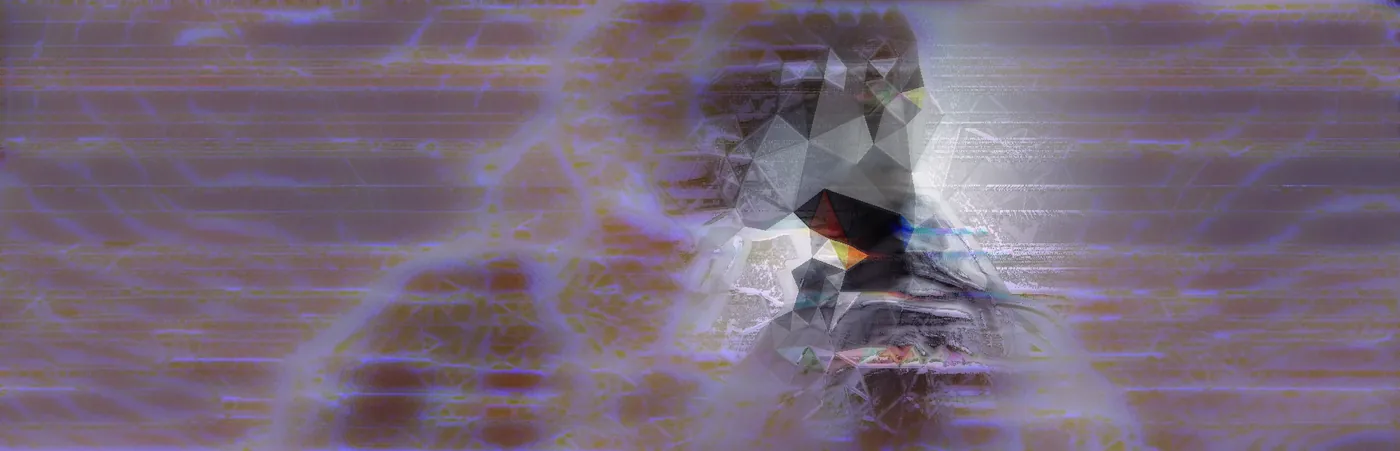
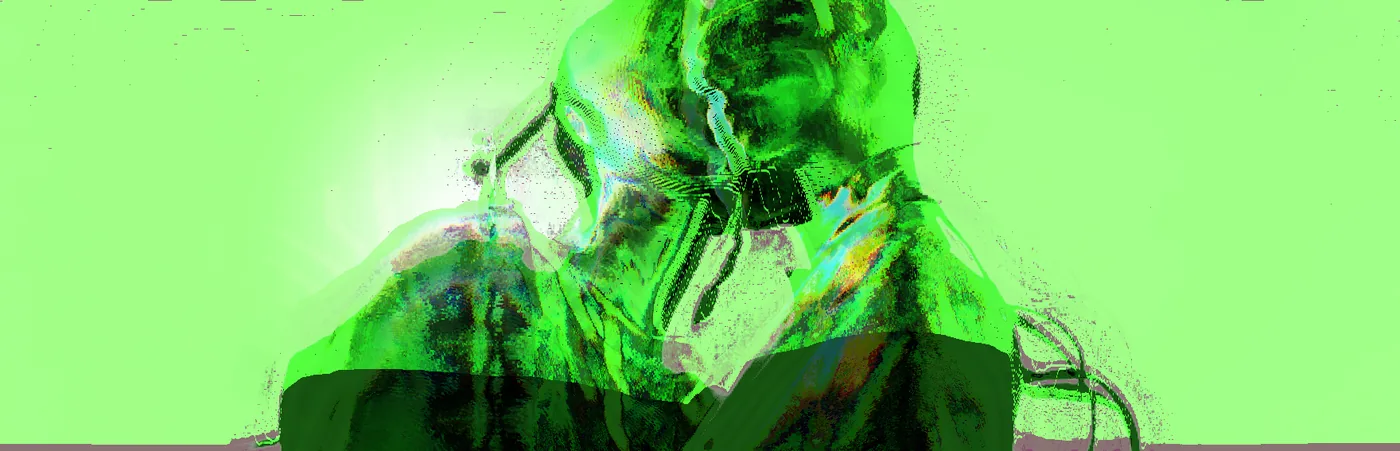
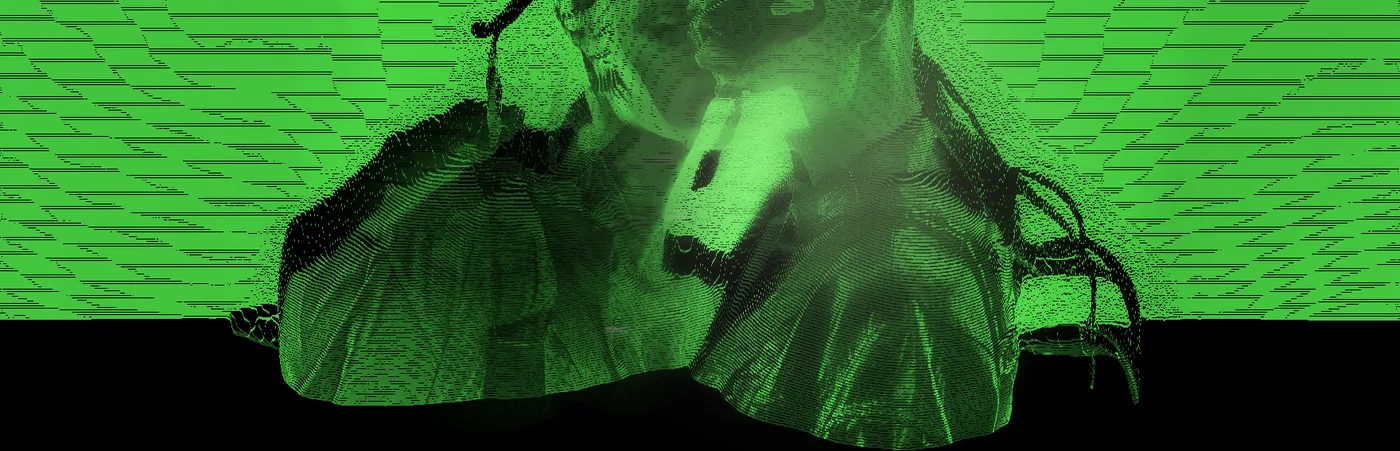
That is seventy-five pictures off three images, in one session, with no manual parameter set anywhere on the page.
It runs in a browser, on your machine, for free — processor.v3ktr.com. Drop in an image and roll it. You will get one of these.